
Key Takeaways
- Remote CCTV viewing on your phone needs an IP camera system, the manufacturer's app and adequate NBN upload bandwidth.
- A single 4MP camera streaming at 15fps uses roughly 2-3Mbps upload; most Australian NBN plans supply 10-20Mbps upload.
- PoE IP cameras deliver far more reliable remote access than wireless retail cameras, avoiding Wi-Fi dropouts across Newcastle homes.
- 4G failover routers keep your remote feed live during NBN outages, which regularly affect suburbs in Adelaide SA and beyond.
- Australian privacy laws require residential cameras to avoid capturing neighbouring properties or shared spaces beyond reasonable security use.
- DDNS configuration prevents the classic 'offline camera' problem after NBN modem restarts assign a new IP address.
Can You Really Watch Your Home CCTV From Anywhere?
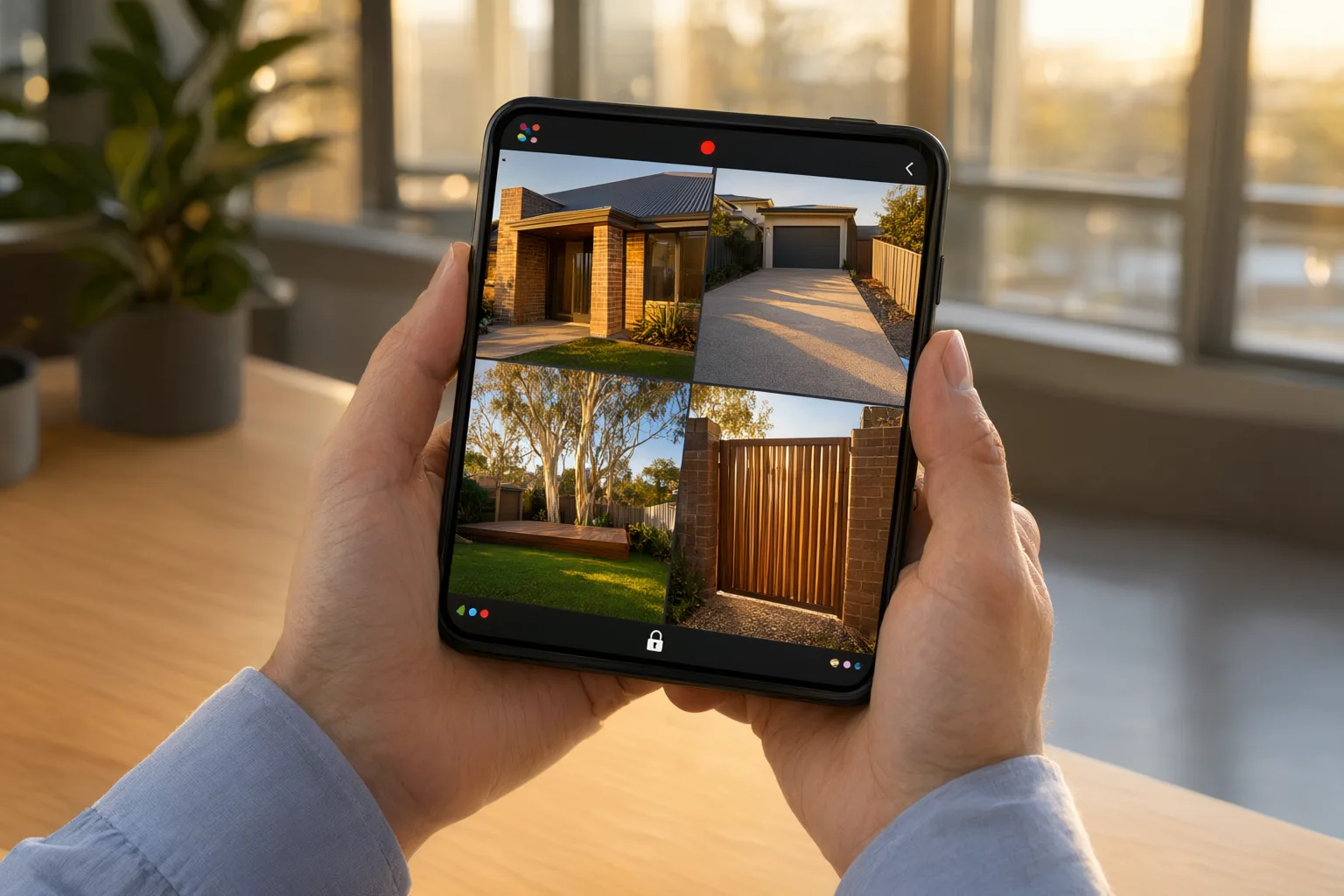
Yes — any modern IP-based CCTV system installed correctly can be viewed live on your smartphone anywhere in Australia or overseas. All you need is an internet-connected camera system at your property, the manufacturer's app on your phone, and enough NBN upload bandwidth to carry the video stream securely.
For NSW homeowners, this means checking the driveway from the office in Sydney's CBD, verifying a delivery while shopping in Parramatta, or reviewing overnight footage while holidaying interstate. Remote access has shifted home security from something you check after an incident to something you monitor proactively, in real time, from the palm of your hand.
This guide explains exactly what equipment you need, which apps suit which brands, how much internet speed remote streaming demands, and the security steps that keep your camera feed private. It also covers troubleshooting, advanced features like smart detection and two-way audio, and the privacy considerations that come with pointing cameras at (and away from) neighbouring properties.
What Are the Three Essentials for Remote CCTV Viewing on Your Phone?
Remote viewing rests on three pillars. First, you need an IP camera system — network-connected cameras that digitise footage and send it over your home network. Older analogue systems generally cannot be viewed remotely without costly upgrades or hybrid recorders, so most homeowners upgrading for remote access move straight to IP.
Second, your property needs an active internet connection. In metropolitan areas that is almost always an NBN service; in regional and rural NSW it may be Fixed [[wireless-vs-wired-cctv-which-is-right-for-australian-homes|Wireless]], Satellite, or increasingly a 4G/5G connection. Without internet at the premises, footage stays locked on the recorder and never reaches your phone.
Third, you need the right app. Every major professional brand ships a free companion app: Hik-Connect for Hikvision, DMSS for Dahua, EZView for Uniview and AXIS Companion for Axis. These apps connect securely to your recorder or cameras, display live views, play back recordings and deliver push notifications when motion events occur.
Why Do PoE IP Cameras Beat Wireless Cameras for Remote Access?
If reliable remote viewing is your goal, Power over Ethernet (PoE) cameras are the clear winner. A single Cat6 cable carries both power and data to each camera, removing the Wi-Fi dropouts, interference and battery management headaches that plague consumer [[the-hidden-costs-of-cheap-wireless-cameras-vs-professional-poe-systems|wireless]] cameras sold in retail stores.
Wired PoE cameras stream consistently, reboot cleanly after power interruptions, and maintain a stable link to the NVR — all critical when you are relying on your phone to show you what is happening at home. Wireless cameras may look convenient, but every dropout between camera and router is a gap in your remote visibility.
Professional-grade brands such as Hikvision, Dahua, Uniview and Axis build their IP ranges specifically around stable networking and secure cloud-assisted connections. That engineering focus is why professionally installed systems rarely suffer the 'camera offline' frustrations common with budget Wi-Fi kits. Australia's bushfire smoke, coastal storms, and summer heat require cameras with IP66 or higher ingress protection and UV-stabilised cable runs.
Which Brand Is Best: Hikvision, Dahua, Uniview or Axis Compared?
Hikvision remains one of the most popular choices for Australian homes. Its AcuSense range uses onboard analytics to distinguish people and vehicles from swaying branches, pets and headlights, so the push notification on your phone actually matters. ColorVu models capture full-colour footage even in near-total darkness, making late-night remote checks genuinely informative rather than grainy guesswork.
Dahua counters with its TiOC (Three-in-One Camera) series, combining smart detection, an active deterrent spotlight and a built-in siren — all controllable through the DMSS app. If someone loiters at your gate, you can trigger lights and audio remotely before they reach the door.
Uniview offers strong value and excellent 4G-capable cameras suited to rural properties, farms and construction sites without fixed internet. Axis sits at the premium end, delivering enterprise-grade cybersecurity, Zipstream compression and edge storage for larger homes and demanding installations. The right choice depends on your property layout, budget and whether you need deterrence, analytics or sheer image quality.
How Do You Set Up Remote Viewing on Your Smartphone Step by Step?
Once a professional system is installed, enabling remote access usually takes under fifteen minutes per device. The typical flow is: download the manufacturer's app, create a secure account, scan the QR code printed on your NVR or camera, and confirm the devices appear online. Notification preferences are then set so alerts arrive only for the events you care about.
Behind that simple process sits technical work best handled by an installer: port forwarding rules on your router, DDNS configuration so changing IP addresses never break your connection, SSL certificates for encryption, and firmware updates to close known vulnerabilities. Skipping these steps is where DIY setups become insecure.
A thorough handover includes configuring the app on every household phone and tablet, testing the connection from outside the property, and walking family members through live view, playback search, two-way audio and sharing access. Done properly, everyone in the household can confidently monitor the home from day one.
Are NBN Speeds Enough for Smooth Remote Streaming?
Upload speed — not download speed — determines how well your cameras stream to your phone. A single 4MP camera streaming at 15 frames per second consumes roughly 2-3Mbps of upload bandwidth. Most Australian NBN plans include 10-20Mbps upload, comfortably supporting several simultaneous high-definition streams.
Modern NVRs use H.265+ compression, which reduces bandwidth requirements by up to 70% compared with older H.264 systems. That efficiency matters enormously on constrained connections such as NBN Fixed Wireless or Satellite in regional NSW, where every megabit counts.
For households with many cameras or slower plans, installers configure sub-streaming: your phone receives a lower-resolution feed for smooth live viewing while the NVR simultaneously records full-quality footage locally for later review. Nothing is lost — you simply trade on-screen resolution for reliability when bandwidth is tight.
Should You Add 4G Failover When the NBN Drops Out?
Storms, network maintenance and infrastructure faults regularly interrupt fixed-line internet across Australia. A 4G failover router automatically switches your CCTV system to mobile data when the NBN drops, keeping your cameras reachable from your phone throughout the outage.
Failover is equally valuable as a primary connection solution. Rural properties, farms, sheds and construction sites without fixed broadband can run entirely on 4G-enabled cameras or a 4G-fed NVR, delivering full remote access using the mobile network alone.
When designing a failover setup, installers select data plans sized to your usage, prioritise sub-streaming on mobile links, and verify signal strength at the property. The result is continuous remote visibility regardless of what your fixed-line provider is doing.
Is Your Remote Feed Secure? Cybersecurity Essentials Explained
Convenience must never open a back door into your home network. Professional installations include measures DIY setups routinely miss: changing default passwords on every camera and the NVR, enabling two-factor authentication on app accounts, disabling UPnP on the router, and enforcing encrypted HTTPS/SSL connections between your phone and your system.
Network segmentation adds another layer. Placing the CCTV system on its own VLAN isolates cameras from computers, phones and smart-home devices, so a compromised camera cannot be used to reach the rest of your network. Regular firmware updates patch vulnerabilities as manufacturers release them.
These steps matter because unsecured cameras are actively scanned for on the public internet. A professionally hardened system presents no easy target, keeping your footage yours alone.
Australian Privacy Laws and Where You Can Point Cameras
Remote [[using-home-cctv-to-monitor-pets-while-youre-at-work|monitoring]] must stay within legal boundaries. Australian privacy expectations and state regulations require that cameras on residential property avoid capturing neighbouring homes, yards or shared spaces beyond what is reasonable for your own security.
Good design solves this during planning rather than after complaints. During consultation, camera positions are mapped to maximise coverage of your own boundaries, entries and driveways while respecting neighbours' privacy — angled downward, framed tightly, and avoiding sightlines into adjacent windows or yards.
Signage is also worth considering if your property hosts visitors, tradespeople or deliveries. Clear, compliant placement protects relationships with neighbours and ensures the footage you rely on remains legally sound if ever needed as evidence.
Advanced Features That Make Remote Monitoring Genuinely Useful
Modern systems turn passive watching into active security management. AcuSense-style analytics filter motion events so your phone buzzes only for humans and vehicles — not magpies, rain or shadows. This single feature transforms notifications from noise into actionable intelligence.
Two-way audio lets you speak through cameras equipped with microphones and speakers: direct a delivery driver, challenge a stranger, or reassure a family member, all from your phone. ANPR (Automatic Number Plate Recognition) cameras go further, logging vehicle registrations and alerting you when specific plates arrive or depart.
Smart event search rounds out the toolkit. Instead of scrubbing through hours of footage, you filter by event type — line crossing, intrusion into a zone, loitering — and jump straight to relevant clips. Reviewing a weekend's activity takes minutes, not evenings.
Troubleshooting: Fixing Buffering, Offline Cameras and Broken Connections
Even well-installed systems occasionally hiccup. The classic culprit is an NBN modem restart assigning a new IP address, silently breaking remote access. DDNS services solve this permanently by automatically updating your connection details whenever your IP changes.
Buffering or choppy streams usually point to insufficient upload bandwidth or weak Wi-Fi between your phone and the internet. A quick diagnostic: switch your phone to mobile data. If playback smooths out, the problem is your local Wi-Fi, not the CCTV system.
Cameras showing 'offline' in the app while still recording locally indicate an NVR network setting or firewall issue rather than failed hardware. Professional support teams can often diagnose and resolve these remotely, restoring access without a site visit and without gaps in your recorded coverage.
Remote Viewing Apps Comparison: Major CCTV Brands
| Brand | App Name | Key Features | Best For |
|---|---|---|---|
| Hikvision | Hik-Connect | AcuSense alerts, ColorVu viewing, two-way audio, cloud storage options | Homes wanting smart detection and colour night vision |
| Dahua | DMSS | TiOC active deterrence, SMD Plus filtering, remote siren control | Properties requiring active intruder deterrence |
| Uniview | EZView | 4G camera support, Starlight viewing, simple interface | Rural properties and NBN backup solutions |
| Axis | AXIS Companion | Enterprise-grade security, Zipstream compression, edge storage | Large homes and premium installations |