
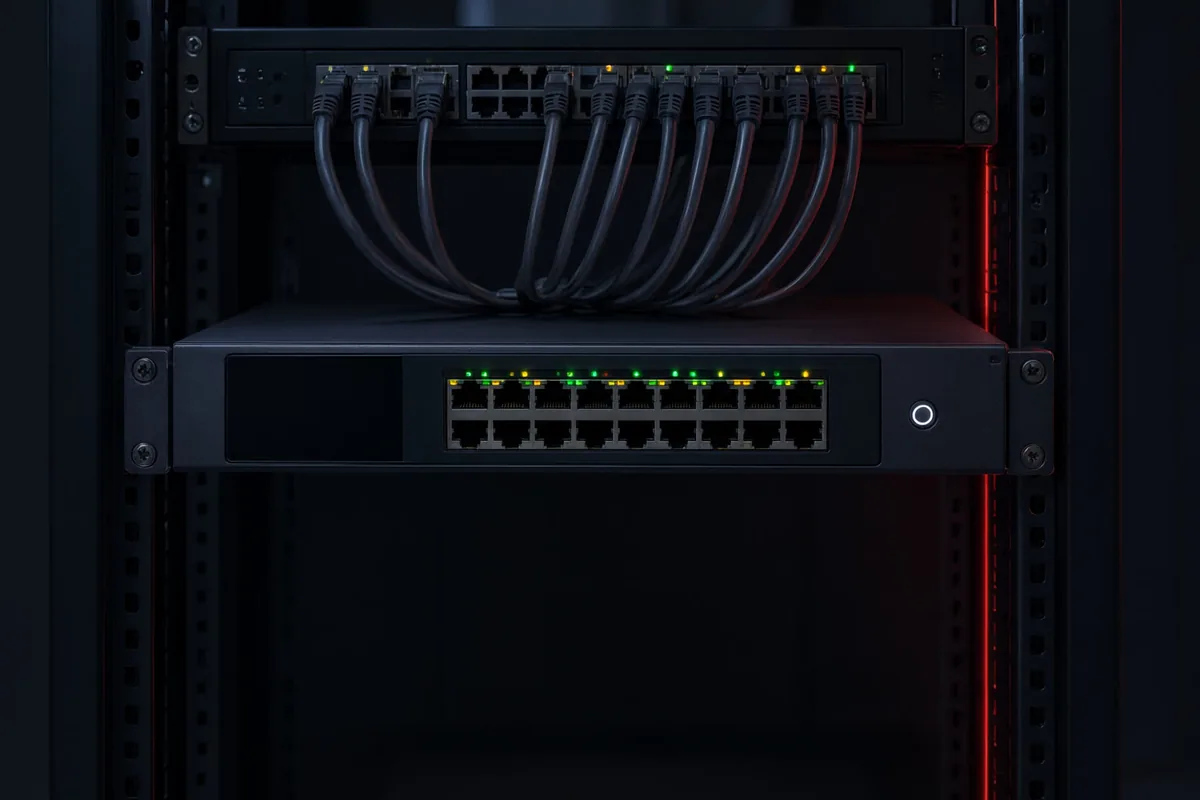
Your cameras are only as useful as the recorder behind them. A poorly configured NVR or DVR can mean overwritten footage, missed recordings, choppy playback or remote access that never quite works. At Aussie CCTV Cams, we set up network video recorders (NVRs) and digital video recorders (DVRs) for homes and businesses across Newcastle, Maitland, Lake Macquarie and the wider Hunter Region, making sure every setting is dialled in for your property and your cameras.
Whether you are fitting out a brand new system, replacing an ageing recorder or adding storage to an existing setup, our licensed technicians handle the lot — hard drive selection, network configuration, motion recording schedules and app-based remote viewing. We also service Sydney, Melbourne, Perth and Adelaide, so multi-site businesses can standardise their recording hardware with one trusted installer.
What Is NVR & DVR Setup?
An NVR (network video recorder) records footage from IP cameras over your network, while a DVR (digital video recorder) works with older analogue and coaxial camera systems. Both are the central hub of your CCTV system — the box that stores, organises and plays back everything your cameras see. Setup involves far more than plugging it in: storage must be sized correctly, recording modes configured, and network settings secured.
Many customers come to us after buying a recorder online and discovering the footage only kept three days, or the remote app never connected. Our technicians configure NVRs and DVRs as part of complete CCTV installation projects or as a standalone service for existing systems.
How We Configure Your Recorder
We start with a free on-site assessment of your property and camera layout. From there we calculate the storage you actually need based on camera count, resolution, frame rate and how many days of footage you want to keep. We then install the recorder, terminate and test every camera feed, and configure recording schedules — continuous, motion-triggered or a mix of both.
Finally, we set up secure remote access so you can view live and recorded footage from your phone, tablet or computer. If you already have cameras in place, we can integrate the recorder with your existing IP camera systems and tidy up any network issues along the way.
What's Included in Our NVR & DVR Setup Service
Every setup is a complete, ready-to-use configuration — not a box dropped on your desk. You get a recorder matched to your cameras, correctly sized storage and every feature explained in plain English before we leave.
- Supply and installation of NVR or DVR units matched to your camera type
- Surveillance-grade hard drive installation and storage sizing
- Recording schedule configuration — continuous, motion or event-based
- Network setup, port configuration and cybersecurity hardening
- Remote viewing setup on your phone, tablet and computer
- Full system testing, playback verification and user handover training
Benefits of a Professionally Configured Recorder
A correctly configured recorder means your footage is actually there when an incident occurs — with enough retention to be useful and clear enough to identify faces and number plates. You also avoid the common pitfalls of DIY setups: full hard drives that stop recording, unsecured remote access, and cameras that silently drop off the network.
Professional setup also protects your investment. Surveillance-grade drives, sensible recording schedules and proper ventilation all extend the life of your hardware, while correct network configuration keeps your footage private and your recorder safe from tampering.
- Footage retained for the period you actually need
- Reliable motion detection without endless false alerts
- Secure remote access from anywhere in Australia or overseas
- Longer hardware lifespan with surveillance-grade components
- Fast playback and export when you need evidence for police or insurance
Who Needs NVR & DVR Setup?
Almost every CCTV system needs a recorder, so this service suits a wide range of customers. Homeowners across Newcastle and Lake Macquarie often pair an NVR with new cameras or need a DVR replaced on an older analogue system. Businesses in Maitland, the Hunter Region and Sydney typically need larger storage, longer retention and multi-user remote access for managers and owners.
- Homeowners installing new cameras or upgrading an old DVR
- Retail shops needing 30+ days of footage retention
- Warehouses and industrial sites with high camera counts
- Offices requiring secure multi-user remote access
- Farms and rural properties recording to a central homestead NVR
- Anyone whose current recorder has failed or stopped recording
NVR & DVR Setup Costs & Pricing Factors
The cost of NVR or DVR setup depends on the recorder itself, storage capacity, camera count and how much network configuration is involved. A straightforward four-camera home NVR setup sits at the lower end, while a 32-channel commercial recorder with multiple surveillance drives and VLAN configuration costs more. Existing cabling in good condition keeps labour costs down.
Every job starts with a free on-site assessment and an obligation-free quote, so you know the exact price before any work begins. To arrange yours in Newcastle, the Hunter, Sydney, Melbourne, Perth or Adelaide, call Aussie CCTV Cams on 02 40 033 972 and speak with a licensed technician today.
- Recorder type and channel count (4, 8, 16 or 32 channels)
- Hard drive capacity and number of surveillance drives
- Camera resolution and total camera count
- Network complexity and remote access requirements
- Condition of existing cabling and hardware