
Key Takeaways
- There is no fixed federal minimum, but the practical standard for how long to keep CCTV footage in Australia is 30–90 days.
- The Privacy Act 1988 applies to businesses over $3M turnover, requiring secure storage and deletion of identifying footage.
- NSW licensed venues commonly face liquor licence conditions requiring at least 30 days of retrievable CCTV footage.
- A single 4K camera recording continuously on H.264 can consume 60–100 GB per day, driving up CCTV storage costs.
- H.265 compression cuts storage use by 50–70%, letting Adelaide SA businesses double retention without new drives.
- Under the Workplace Surveillance Act 2005 (NSW), employers must give written notice before camera surveillance begins.
How Long Must Australian Businesses Keep CCTV Footage?
Most Australian businesses should keep CCTV footage for between 30 and 90 days. There is no federal law naming an exact figure, but this range reflects what regulators, insurers and courts expect across industries, shaped by the Privacy Act 1988 (Cth), state surveillance legislation such as the Workplace Surveillance Act 2005 (NSW), liquor licensing conditions and insurance policy requirements.
Where you sit within that range depends on your risk profile. A quiet professional services office with few visitors can comfortably operate on 30 days of retention. A service station, warehouse or licensed venue with regular public interaction and higher liability exposure should plan for 90 days or longer. What matters most legally is not the number itself but the principle behind it: Australian Privacy Principle 11 obliges you to destroy or de-identify personal information — which includes video that identifies people — once it no longer serves the purpose you collected it for. Hoarding footage indefinitely does not protect you; it quietly increases your exposure.
What Does the Privacy Act 1988 Require for Camera Recordings?
The Privacy Act 1988 applies directly to [[how-to-write-a-cctv-privacy-policy-for-your-business-with-template-tips|businesses]] with an annual turnover above $3 million. For those organisations, any recording that identifies a person is personal information, which triggers a set of clear obligations: you need a legitimate purpose for collecting the footage, reasonable security safeguards around it, a process for handling access requests, and a documented approach to deletion. Businesses below the threshold are often exempt from the Act itself, yet they remain answerable to NSW surveillance legislation, common law duties and the expectations insurers bring when assessing a claim.
In New South Wales specifically, the Workplace Surveillance Act 2005 requires employers to give staff written notice before camera surveillance starts, explaining how recordings will be used and stored. Covert monitoring of employees is tightly restricted and generally needs a magistrate's approval. There is also a critical preservation duty: the moment you become aware of an incident — a slip in your aisle, a break-in, a workers compensation claim — you must preserve the relevant footage even if your normal overwrite cycle would soon erase it. Losing evidence through routine deletion after you knew an incident occurred can seriously undermine your legal position.
Which Retention Periods Apply Across Different Industries?
Different sectors carry different exposure, and your retention schedule should mirror that reality rather than a generic template. Licensed venues in NSW commonly operate under liquor licence conditions that make footage available to police and Liquor & Gaming NSW, with 30 days as a common minimum benchmark. Retailers fighting organised retail crime and refund fraud usually need 60 to 90 days, because shrinkage patterns are often only identified weeks after the transactions involved. Construction sites and warehouses dealing with theft, vandalism and WHS incidents benefit from 90 days or more, particularly where insurance claims may take months to formally lodge.
Some categories demand extra caution. Childcare centres, medical practices and financial services firms capture especially sensitive footage, and sector-specific regulation plus duty-of-care obligations can push retention well beyond standard windows — these operators should obtain tailored legal advice. A useful rule of thumb for everyone else: set your baseline at the longest realistic incident discovery window in your industry, then verify it against whatever minimum your insurer's policy specifies. In [[/newcastle|Newcastle]]'s coastal environment and [[/adelaide|Adelaide]]'s hot summers, camera housings rated IP66 or higher resist UV, heat, and salt-laden humidity. For an accurate quote, contact Aussie CCTV Cams — installed CCTV systems for homes start from $1,200 in Newcastle and Adelaide.
Are Storage Costs Driven by More Than Just Retention Days?
Every additional day of retention translates directly into hard drive capacity, and capacity translates into dollars. Five variables dominate the equation: camera count, resolution, frame rate, compression codec and recording mode. To put numbers on it, a single 4K camera recording continuously at 25 frames per second using older H.264 compression can consume 60 to 100 GB per day. Scale that to sixteen cameras with a 90-day retention target and the raw [[cloud-cctv-storage-and-privacy-keeping-footage-secure-under-australian-law|storage]] requirement becomes eye-watering for any small business budget.
This is where professional system design earns its keep. Modern Hikvision and Dahua NVRs support H.265+ compression, which typically reduces storage consumption by 50 to 70 per cent compared with H.264 at equivalent image quality. Smart codecs dynamically lower bitrates in static scenes — picture an empty warehouse aisle at 2am — while snapping back to full detail the moment motion appears. Features such as Hikvision's AcuSense take this further by recording continuously at reduced quality while automatically flagging and preserving high-quality clips of genuine human and vehicle events, delivering long effective retention for real incidents without the matching storage bill.
Can You Cut CCTV Storage Costs Without Breaching Compliance?
First, match recording mode to risk. Continuous recording belongs on entrances, tills and high-value stock areas; low-traffic zones can usually run motion-triggered or scheduled recording with no meaningful [[common-cctv-privacy-mistakes-australian-businesses-make-and-how-to-avoid-them|compliance]] loss. Second, drop frame rates from 25fps to 12–15fps in non-critical areas — barely noticeable in playback, substantial savings in capacity. Third, use sub-stream recording overnight and switch to full-quality main-stream during trading hours.
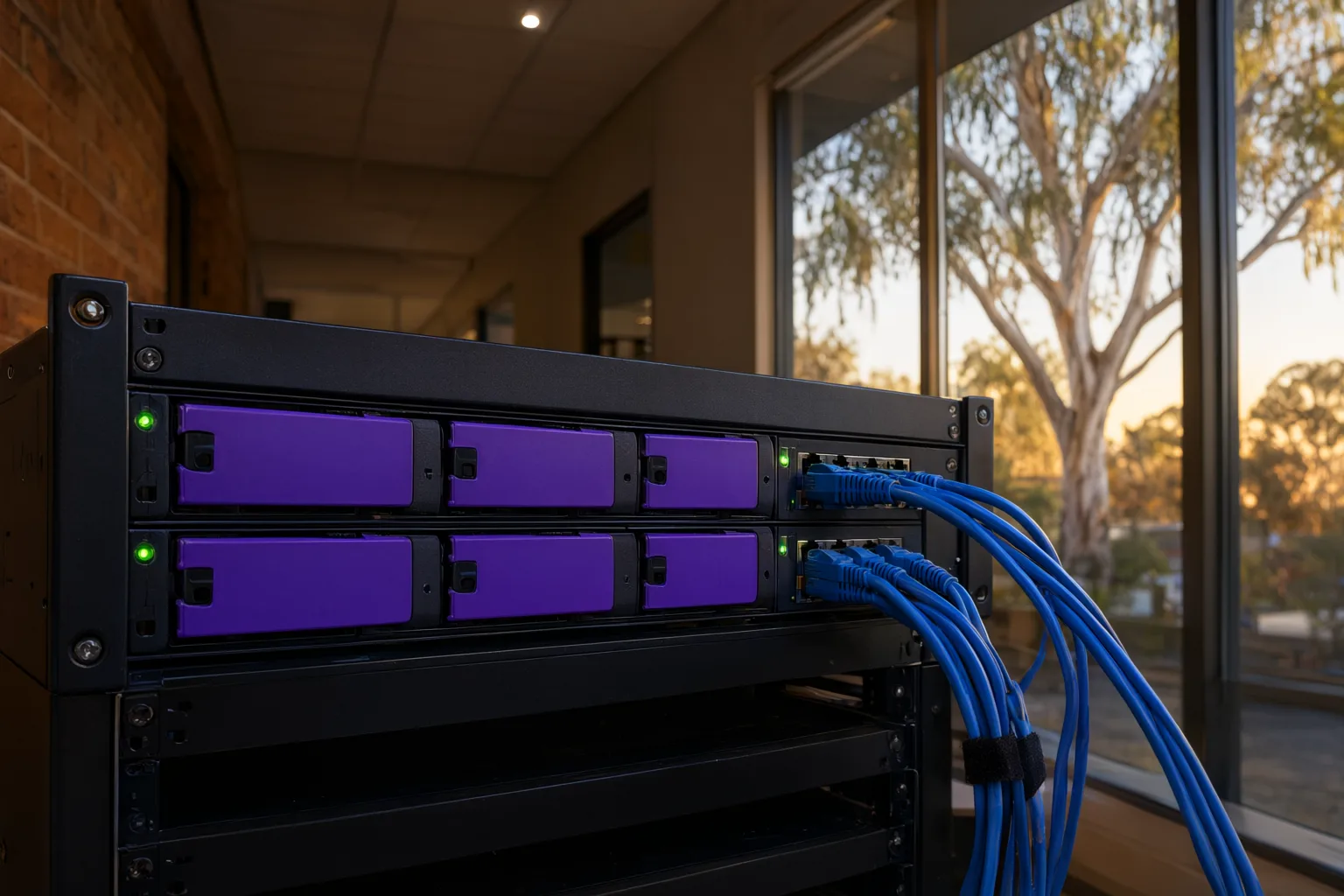
Fourth, choose drives built for the job. Surveillance-grade models such as Western Digital Purple and Seagate SkyHawk are engineered for continuous 24/7 writing and fail far less often than desktop drives — and a failed drive means lost footage and a potential compliance breach. Fifth, add RAID redundancy on larger sites so a single drive failure never wipes your archive. Sixth, back up critical incident clips to the cloud rather than archiving full continuous footage off-site, giving you long-term evidence retention at a fraction of the cost.
Seventh — and arguably most important — document everything. A written retention policy covering your retention period, deletion method, access controls and incident preservation procedure shows regulators, insurers and courts that your approach is deliberate and defensible. When we hand over a system, we configure the NVR's automatic first-in, first-out overwrite schedule to match your documented policy, so compliance happens by default instead of relying on someone remembering to press delete.
Why Does Retrofitting Storage Cost More Than Planning Ahead?
The costliest mistake we see is businesses buying a camera kit first and thinking about retention afterwards. By then the NVR has a single small drive, every camera is recording continuously at maximum quality, and footage overwrites itself after nine days — far short of what their insurer expects when a claim arrives. Upgrading storage after installation means new drives, possibly a larger NVR, reconfiguration and downtime, all of which costs considerably more than specifying correctly at the outset.
A proper design process begins with obligations, not hardware: your industry, your insurer's conditions, your lease requirements and your site's risk profile. From there we calculate the exact storage requirement, specify the right NVR and surveillance-grade drives, configure compression and recording schedules, and document the retention policy as part of handover training. Because we install professional-grade Hikvision, Dahua, Uniview and Axis equipment rather than consumer kits, features like H.265+, AcuSense smart event recording and RAID support come as standard. And with lifetime support, if your obligations change — a new licence condition, an expanded site, a storage upgrade — we are a phone call away.
Should Businesses Have a Process for Access Requests and Incident Preservation?
Two operational scenarios catch businesses out repeatedly. The first is access requests: under the Privacy Act, individuals can ask for footage that identifies them, and you generally must provide it unless an exemption applies — for example, where release would compromise an ongoing investigation. Having a simple internal process for logging, reviewing and responding to these requests keeps you on the right side of the law and avoids panicked ad-hoc decisions.
The second is incident preservation. As soon as you know about a slip-and-fall, theft, assault or insurance event, export and securely store the relevant clips immediately, before the overwrite cycle reaches them. Note the date, time, cameras involved and who handled the export. This small discipline routinely decides disputes: businesses that can produce preserved footage resolve claims faster and cheaper than those that cannot explain why the evidence no longer exists.
Is a Written Retention Policy Necessary to Protect Your Business?
Your written retention policy does not need to be lengthy, but it should be specific. Cover six points: how long footage is kept, how it is deleted (automatic overwrite versus manual purge), who can access it and how access is logged, how incident clips are preserved and exported, how staff and customer requests are handled, and how the policy is reviewed when laws or insurance conditions change. Store the policy with your business records and brief any staff who manage the system.
Treat the policy as a living document tied to your actual NVR configuration. If your documented period is 60 days, your recorder should be configured to hold exactly 60 days — no more, no less. This alignment between paper and practice is precisely what regulators, insurers and courts look for, and it converts a vague legal obligation into a routine, auditable process that runs itself.
What Do Insurers Expect From CCTV Systems in Newcastle and Adelaide?
Recommended CCTV Retention Periods by Business Type
| Business Type | Recommended Retention | Key Reason | Storage Priority |
|---|---|---|---|
| Small office / professional services | 30 days | Low incident frequency; privacy minimisation | Standard NVR, H.265+ compression |
| Retail and hospitality | 60–90 days | Theft and fraud investigations surface weeks later | Motion + continuous mix, larger drive array |
| Licensed venues (NSW) | 30–90 days | Liquor licence conditions; police access requests | Continuous recording on entries and bars |
| Warehouse and industrial | 90 days | WHS incidents, insurance claims, stock shrinkage | RAID redundancy, surveillance-grade drives |
| Construction sites | 90+ days | Theft, vandalism and delayed liability claims | 4G/remote sites: event clips to cloud |
| Childcare, medical, financial | Seek legal advice | Sensitive footage; sector-specific regulation | Encrypted storage, strict access controls |