
Key Takeaways
- Businesses with turnover over $3 million must comply with the Privacy Act 1988 and Australian Privacy Principles
- Clear signage notifying people of CCTV surveillance is legally required before recording begins
- Footage must only be used for the purpose stated at collection and stored securely
- Individuals have the right to request access to footage of themselves under APP 12
- Professional installation with proper configuration reduces privacy breach risks significantly
Do the Australian Privacy Principles Apply to Your Business CCTV?
If your business has an annual turnover of more than $3 million, the Privacy Act 1988 (Cth) applies to you, and that includes how you operate your CCTV system. The 13 Australian Privacy Principles (APPs) set out how you must collect, use, store and disclose personal information — and video footage of identifiable people absolutely counts as personal information.
Even if your turnover falls below the $3 million threshold, you may still need to comply if you handle health information, provide services to government, or operate in certain sectors like finance or telecommunications. Many smaller businesses also choose to follow the APPs voluntarily because it builds customer trust and reduces legal risk.
State and territory surveillance laws add another layer. In New South Wales, for example, the Workplace Surveillance Act 2005 requires employers to notify workers before installing cameras. Getting your head around both federal privacy principles and state surveillance rules is essential before you mount a single camera.
What Counts as Personal Information in CCTV Footage?
Under the Privacy Act, personal information is any information or opinion about an identified individual, or an individual who is reasonably identifiable. That means if your CCTV footage shows someone's face clearly enough to recognise them, it's personal information — full stop.
This applies whether the person is a customer, employee, contractor, supplier or random passerby captured on your cameras. It doesn't matter if you never learn their name. If they can be identified from the footage, the APPs govern how you handle that recording.
Modern high-resolution cameras from Hikvision, Dahua and Axis capture incredibly detailed images, which is brilliant for security but also means almost everything you record will contain personal information. Features like ANPR (automatic number plate recognition) capture vehicle registration details, which are also considered personal information when linked to an identifiable individual.
Notification and Signage Requirements Under the APPs
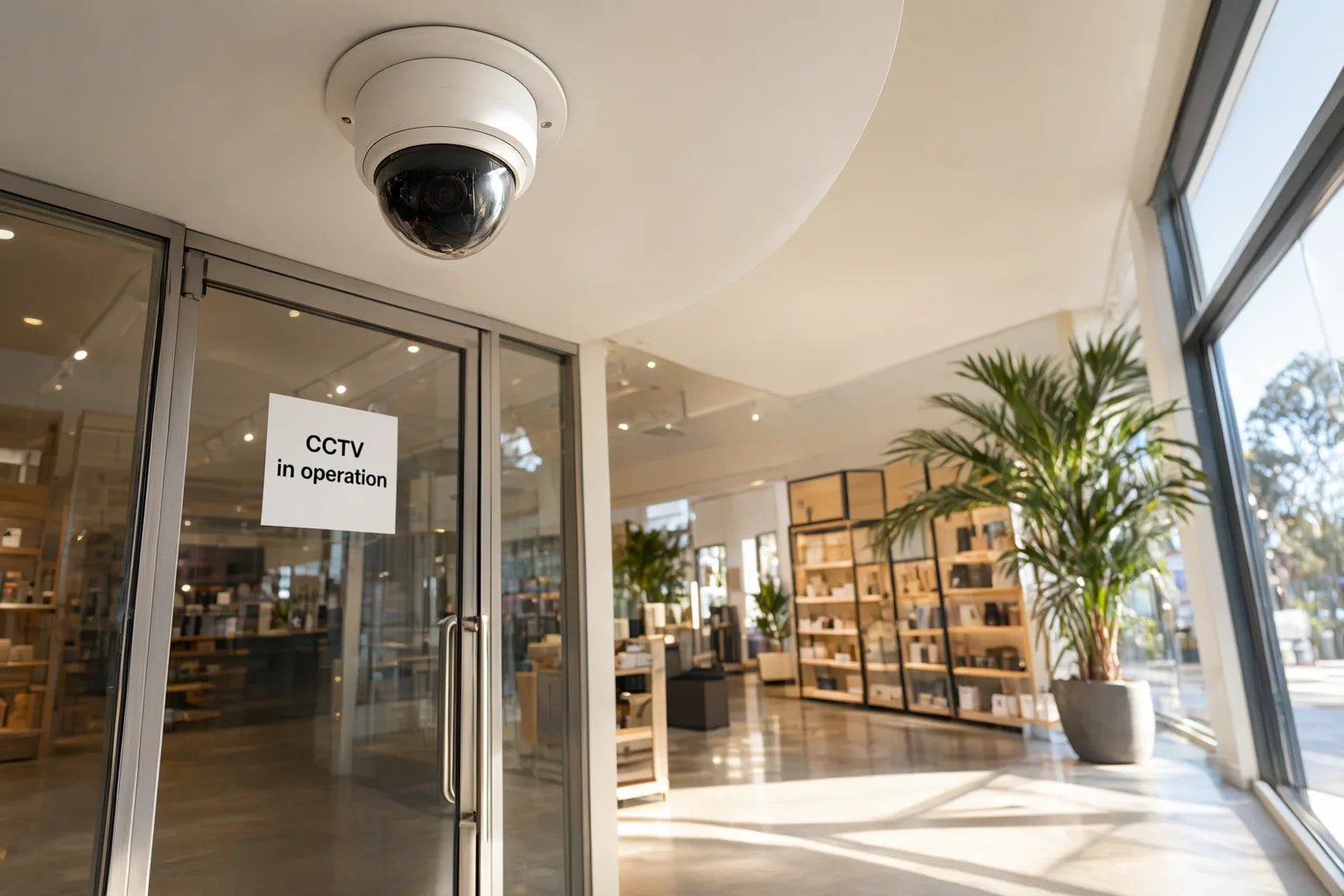
APP 5 requires you to notify individuals when you collect their personal information. For CCTV, this means clear, visible signage at every entrance and throughout areas under surveillance. The signs must state that CCTV is operating, who is collecting the footage, and why.
A simple 'CCTV in operation' sticker isn't enough. Best practice signage includes your business name, the purpose of surveillance (e.g. 'for safety and security'), and contact details for privacy enquiries. Some businesses also include a brief statement about footage retention periods.
In NSW workplaces, the Workplace Surveillance Act 2005 requires written notice to employees at least 14 days before camera surveillance begins, unless the employee agrees to a shorter period. The notice must specify the kind of surveillance, how it will be carried out, and when it will start. Cameras must be clearly visible — hidden or covert surveillance is generally prohibited without a court order.
Collecting, Using and Disclosing CCTV Footage Lawfully
APP 3 says you can only collect personal information that's reasonably necessary for your business functions. For CCTV, legitimate purposes include preventing theft, ensuring staff and customer safety, monitoring workplace incidents, and protecting property. Installing cameras in toilets, change rooms or prayer rooms is never acceptable, regardless of your security concerns.
APP 6 restricts how you use and disclose footage. You can only use it for the purpose you stated at collection — so if your signage says 'for security purposes', you can't later use that footage to monitor employee productivity or track customer browsing habits for marketing. Using footage for a different purpose requires fresh consent or a new privacy notice.
Disclosure to third parties is tightly controlled. You can share footage with police investigating a crime, or with your insurer assessing a claim, because these relate directly to your stated security purpose. Sharing footage on social media, selling it, or giving it to someone 'just because they asked' breaches the APPs and can result in serious penalties.
Storage, Security and Retention of CCTV Recordings
APP 11 requires you to take reasonable steps to protect personal information from misuse, interference, loss, and unauthorised access. For CCTV systems, this means password-protecting your NVR or DVR, restricting physical access to recording equipment, using encrypted connections for remote viewing, and keeping firmware updated to patch security vulnerabilities.
Professional-grade systems from brands like Hikvision and Uniview include role-based access controls, audit logs showing who viewed footage and when, and encrypted storage. These features aren't just nice to have — they're essential for demonstrating you've taken 'reasonable steps' under APP 11.
Retention periods aren't specified in the Privacy Act, but APP 11.2 says you must destroy or de-identify personal information once it's no longer needed. Most businesses retain CCTV footage for 30 to 90 days, depending on their risk profile and storage capacity. Keeping footage 'just in case' for years creates unnecessary privacy risk and potential liability. Set an automatic overwrite schedule and document your retention policy.
Handling Access Requests and Privacy Complaints
APP 12 gives individuals the right to access personal information you hold about them. If someone asks to see CCTV footage of themselves — perhaps after an incident in your store or car park — you generally must provide it within 30 days, unless an exception applies.
Valid exceptions include situations where providing access would pose a serious threat to life or health, unreasonably impact someone else's privacy, or prejudice an ongoing investigation. If footage shows other identifiable people, you may need to blur their faces before releasing it, or refuse access if that's not practical.
You can charge a reasonable fee for providing access, but it must reflect your actual costs — you can't use fees to discourage requests. If you refuse access, you must explain why in writing and inform the person of their right to complain to the Office of the Australian Information Commissioner (OAIC). Having a clear process for handling requests, and staff trained to follow it, makes compliance much easier.
Practical Steps to Ensure Your CCTV System Complies
Start with a privacy impact assessment before installing or upgrading cameras. Map out where cameras will be positioned, what they'll capture, who will have access to footage, and how long you'll keep recordings. This document demonstrates you've thought through privacy risks and taken steps to minimise them.
Choose equipment with privacy features built in. Modern IP camera systems let you set up privacy masks that block out neighbouring properties, schedule recording times to avoid capturing sensitive activities, and configure user permissions so only authorised staff can view footage. AcuSense technology can even blur faces automatically in live view while still recording clear footage for security purposes.
Train your team on privacy obligations. Everyone who can access CCTV footage needs to understand when they can view it, who they can share it with, and how to respond to access requests. Document your policies in a privacy management plan and review it annually, especially if you expand your system or change how you use footage.
Key Australian Privacy Principles for Business CCTV
| Privacy Principle | What It Requires | Practical CCTV Compliance |
|---|---|---|
| APP 3 – Collection | Only collect personal information reasonably necessary for business functions | Position cameras to monitor entry points, tills and high-risk areas; avoid private spaces like bathrooms |
| APP 5 – Notification | Notify individuals when collecting their personal information | Install clear signage at all entrances stating CCTV is operating, the purpose, and your contact details |
| APP 6 – Use & Disclosure | Only use footage for the stated purpose; limit disclosure | Use footage only for security purposes; share with police or insurers but not on social media |
| APP 11 – Security | Protect personal information from misuse and unauthorised access | Password-protect NVRs, restrict physical access, use encryption, update firmware regularly |
| APP 12 – Access | Allow individuals to access their personal information on request | Provide footage of identifiable individuals within 30 days unless an exception applies; blur other people |