
Key Takeaways
- Most residential CCTV installations take 4–8 hours, finished same-day by a licensed crew.
- Double-storey homes add 1–2 hours to the CCTV installation timeline versus single-storey.
- Commercial CCTV installs can run 2–5 days depending on camera count and cable runs.
- DIY wireless kits take an hour but often breach insurer expectations versus licensed installs.
- NSW security installers must hold a Master Security Licence under the Security Industry Act 1997.
- Book an 8am start in Newcastle or Adelaide and view live footage before dinner.
How Long Does a Typical CCTV Installation Take in Australia?
For most Australian homes, a professional CCTV installation takes between 4 and 8 hours and is completed in a single visit. A standard single-storey brick veneer home with four to six cameras, a PoE NVR and remote viewing setup sits comfortably at the five to six hour mark for a two-person licensed crew. Book an 8am start and you'll generally be watching live footage on your phone by mid-afternoon.
Larger or more complex jobs take longer. Double-storey homes, properties with limited roof cavity access, long cable runs to sheds or granny flats, and commercial premises can stretch the job to one or two full days. Farm and rural properties with solar-powered cameras and 4G links may take two to three days depending on distances between buildings and whether trenching is required for buried cable.
The key point: a quality installation is never rushed. The time goes into neat, concealed cabling, correct camera positioning for Australian sun angles and night conditions, weatherproofing against rain, heat and coastal salt air, and making sure you actually know how to use the system before the crew leaves. An installer who finishes in two hours has almost certainly cut corners somewhere.
What Happens on CCTV Installation Day: Step by Step
Knowing the sequence helps you plan your day and understand where the hours go. Here's what a professional [[what-does-a-professional-home-cctv-installation-cost-in-2025|installation]] looks like from arrival to handover.
- Arrival and walkthrough (30-45 mins): The installers confirm camera positions, cable routes and the NVR location with you before drilling a single hole. This is your chance to flag concerns about aesthetics, heritage features or future renovations.
- Cable runs (1.5-3 hours): Cat6 cabling is run through the roof cavity, wall cavities or conduit. This is the most time-consuming stage, especially in homes with flat Colorbond roofs or limited crawl space. Each run is tested before cameras are attached.
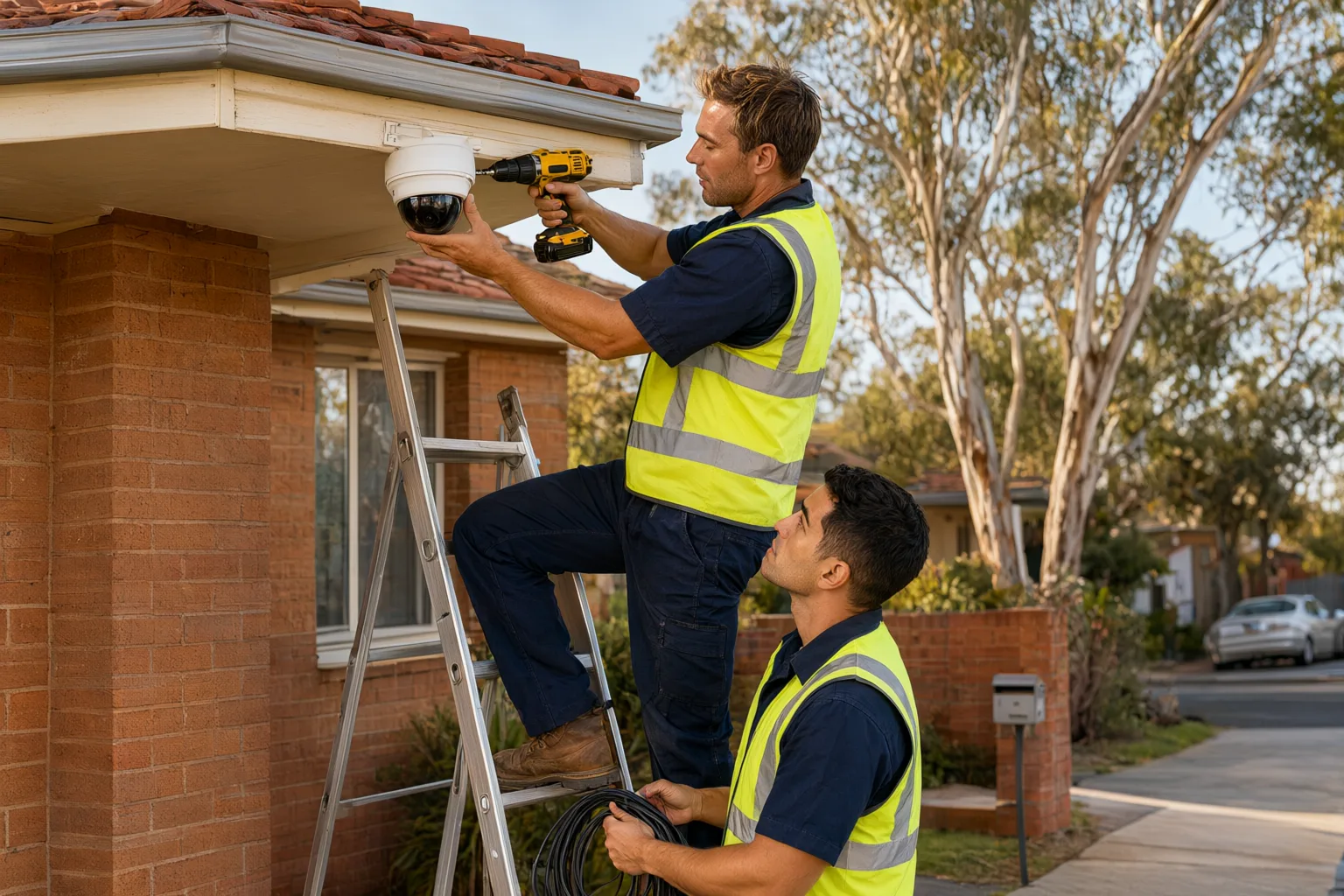
- Camera mounting (1-2 hours): Each camera is mounted, angled and weatherproofed. Junction boxes and sealed glands protect connections from rain, heat and coastal salt air. Cameras are positioned out of easy reach and angled to avoid direct glare from the morning or afternoon sun.
- NVR setup and configuration (45-90 mins): The recorder is connected, hard drives initialised, and features like AcuSense human/vehicle detection, motion zones and recording schedules are configured. Storage retention is calculated based on your camera count and recording resolution.
- Remote viewing and handover (30-60 mins): The app is installed on your phone, remote access is tested over mobile data (not just Wi-Fi), and you're walked through playback, alerts and exporting footage for police or insurance purposes.
Which Factors Affect How Long Your CCTV Installation Takes?
No two properties are identical, and a few variables have an outsized impact on how long your installation takes.
Roof type and access is the biggest one. A tiled roof with good cavity access is fast to work in; a low-pitch Colorbond roof in summer heat slows everything down, and installers may need to work in shorter bursts for safety. In NSW summers, roof cavity temperatures can exceed 60°C, so crews plan around the heat. Double-storey homes often require conduit runs down external walls, which adds one to two hours.
Camera count and type matter too. Eight cameras take roughly twice as long to cable as four. Specialist hardware like ANPR cameras for driveways, PTZ cameras that need careful preset configuration, or solar-powered units with 4G connectivity for remote sheds each add setup time. Finally, if you're upgrading an old system, removing legacy coax cabling or re-terminating existing runs can add an hour or more — though reusing good-quality existing Cat5e or Cat6 cable can also save significant time if it tests clean. Every installation meets the Privacy Act 1988 and the relevant state Security Industry Act licensing obligations.
Are Commercial CCTV Installations Longer Than Residential Timelines?
Commercial CCTV installations follow the same principles but at a larger scale. Warehouses, retail stores and construction sites involve more cameras, longer cable runs, network switches, and often integration with alarm systems or access control.
A small retail shop with six to eight cameras is usually a one-day job. A mid-size warehouse with 16 cameras, ANPR at the gates and a dedicated comms rack typically takes two to three days. Large construction sites with solar towers and remote monitoring can run across a week, staged around site operations to avoid disrupting work. Commercial jobs also tend to involve more coordination — after-hours work, inductions, site managers and compliance documentation all extend the calendar even when the hands-on hours are similar.
Is Your Property a Single-Day or Multi-Day CCTV Install?
If you're weighing up quotes, it helps to know which category your property falls into. Single-storey homes on standard suburban blocks are almost always same-day jobs. Expect a second day only if you have more than eight cameras, buildings spread across a large block, difficult roof access, or a requirement to trench cable underground to a detached structure.
Multi-day installs aren't a red flag — they're simply a reflection of scale. What matters is that your [[questions-to-ask-before-hiring-a-cctv-installer-in-australia|installer]] gives you a realistic timeframe upfront, stages the work logically (cabling first, then mounting, then configuration), and leaves the system partially operational overnight if the job spans days, rather than leaving you without coverage entirely.
Should You Choose DIY Wireless or Professional Hardwired CCTV?
DIY [[wireless-vs-wired-cctv-which-is-right-for-australian-homes|wireless]] kits can be up in an hour, but that speed comes with trade-offs: flat batteries, unreliable Wi-Fi, cameras within easy reach of intruders, and footage that fails exactly when you need it. Battery-powered cameras often record only short clips when triggered, missing context, while cheap Wi-Fi units drop offline precisely during storms or network congestion.
A professional hardwired PoE installation takes a day, but the result is a system that records 24/7 in all weather, with cameras mounted out of reach and cabling that's invisible and tamper-proof. PoE delivers both power and data over a single cable, eliminating batteries and reducing failure points. For most homeowners, the extra half-day of installation buys years of reliable, low-maintenance security.
Can You Prepare Your Home to Speed Up Installation Day?
A little preparation can shave real time off your installation and help the crew work efficiently.
- Clear access to the manhole, switchboard and where you want the NVR located (usually a study, garage or linen cupboard near your modem)
- Move vehicles from the driveway if cameras or ladders need to go there
- Secure pets and let the crew know about any alarm systems or dogs in the yard
- Know your Wi-Fi password and have your phone handy for the app setup
- Think about your priority areas beforehand — front door, driveway, side gates, backyard — so the walkthrough is quick
Do Installers Offer Support After the CCTV Installation?
Installation day isn't the end of the relationship. A reputable installer provides ongoing support for firmware updates, storage upgrades, adding cameras later, and troubleshooting remote access issues after router changes. Ask about warranty terms on both labour and hardware before booking — quality Hikvision, Dahua, Uniview and Axis equipment typically carries multi-year manufacturer warranties, while the installation itself should be backed by a workmanship guarantee.
Plan on light maintenance too: occasionally cleaning camera lenses (especially after dust storms or coastal weather), checking that firmware stays current, and confirming recordings are still being retained as expected. Most systems need nothing more than a quick visual check every few months.
Why Professional CCTV Installation Is Worth the Time
At Aussie CCTV Cams, our licensed and insured NSW installers follow a proven five-step process — consult, design, install, configure, and handover with training. We install professional-grade Hikvision, Dahua, Uniview and Axis hardware, and every job is backed by lifetime support. Most of our residential customers book in the morning and are watching live footage on their phone before dinner.
Beyond speed, a licensed installer ensures your system is designed around how intruders actually approach Australian homes — side gates, rear doors and blind spots along driveways — not just where cameras look tidy. That design expertise, combined with correct weatherproofing and proper configuration, is what turns a box of cameras into a security system you can rely on.
Typical CCTV Installation Times by Property Type
| Property Type | Cameras | Typical Duration | Crew Size |
|---|---|---|---|
| Single-storey home | 4-6 | 4-6 hours (same day) | 2 installers |
| Double-storey home | 6-8 | 6-8 hours (same day) | 2 installers |
| Acreage / rural property | 6-10 + solar/4G | 1-2 days | 2 installers |
| Small retail shop | 6-8 | 1 day | 2 installers |
| Warehouse / industrial | 12-32 | 2-3 days | 2-4 installers |
| Construction site | 4-12 + solar towers | 2-5 days (staged) | 2-4 installers |