
Key Takeaways
- A full CCTV commissioning checklist Australia installers follow takes 1–2 hours for residential systems and up to a day for commercial sites.
- Every cable run must be UV-protected and sealed against water ingress to survive harsh Australian sun and storms.
- Static IP addresses or DHCP reservations must be assigned to every camera for stable remote viewing from your phone.
- Recording must be verified channel-by-channel — silent channel failures are common without deliberate testing.
- Handover documentation including warranties, IP addresses and passwords is essential for future warranty claims in Australia.
- Camera placement must respect the Privacy Act 1988 and avoid capturing neighbours' property or public footpaths.
What Is CCTV Commissioning and Why Is It Essential?
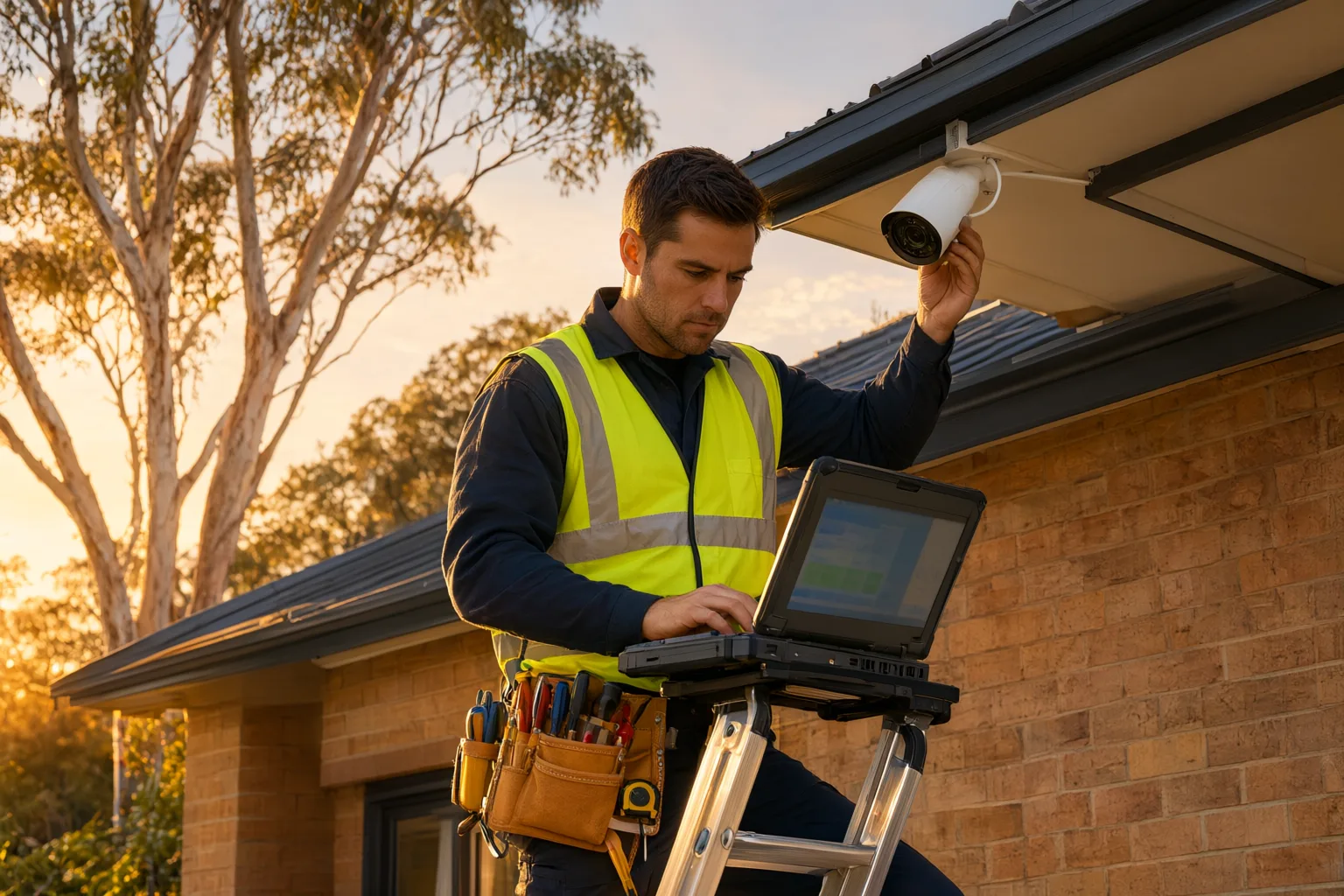
A CCTV commissioning checklist is the structured series of tests, configurations and verifications an installer completes before formally handing over your security camera system. It confirms cameras are aligned, cabling is weatherproofed, recording works on every channel, remote viewing functions, and documentation is complete — separating a professionally delivered system from hardware that may fail when you need it most.
For Australian homeowners and business operators, commissioning matters for three practical reasons. First, it confirms the system works as designed — every camera aligned, every cable delivering power and data, every recording captured. Second, it ensures the installation suits local conditions, whether that is coastal salt air, summer heat above 40°C, or storm-driven moisture ingress. Third, it provides documented proof that the system was tested and configured correctly, which can be invaluable if footage is ever needed for police or insurance purposes.
Skipping or rushing commissioning is one of the most common causes of CCTV complaints: blind spots discovered months later, night footage too grainy to identify a face, remote viewing that drops out, and hard drives configured with far too little retention time. A thorough commissioning checklist eliminates these problems before you sign off on the job.
How Does Pre-Installation Verification Set the Foundation?
Before any hardware is fixed to a wall, a professional installer confirms that everything on site matches the agreed design specification. That means checking the cameras, the Network Video Recorder (NVR) or Digital Video Recorder (DVR), hard drives, cabling type, power supplies and mounting hardware against the quote and system design. A warehouse in Western Sydney with wide loading docks needs very different camera coverage and lens selection than a heritage cottage in the Inner West, and the equipment delivered should reflect that.
This stage also covers compliance groundwork. A licensed installer will confirm the planned camera positions respect Australian privacy expectations — avoiding capture of neighbouring properties, public footpaths and other areas where people have a reasonable expectation of privacy — and that the [[from-quote-to-commissioning-what-a-professional-cctv-installation-timeline-looks|installation]] approach aligns with relevant Australian Standards and any local requirements. Verifying the installer's security licence and insurance at this point protects you as the customer and ensures the work is legally sound from the outset.
Pre-installation verification is also the right time to confirm storage expectations. If you have been promised 30 days of retention, the hard drive capacity and camera bitrates should be calculated and documented now, not discovered at handover.
Which Physical and Cabling Checks Should Be Completed?
The physical integrity of the installation determines how long your system lasts. During [[what-installers-check-before-leaving-your-property-inside-a-professional-commiss|commissioning]], every cable run is inspected for secure fastening, appropriate conduit or trunking protection, and UV resistance — a critical detail in Australia, where unprotected cable sheaths degrade quickly under harsh sunlight. Cable entries into the building must be sealed against water ingress and pests, and all outdoor junction boxes and camera housings should have verified weatherproof seals.
For IP camera systems running Power over Ethernet (PoE), technicians test voltage at the camera end of each run to confirm stable power delivery without drop. A cable that passes data but delivers marginal power may work on a mild day and fail during a heatwave or when the camera's infrared illuminators kick in at night. Connectors rated for outdoor use, drip loops on cable entries, and vibration-resistant mounting brackets are all part of a proper physical inspection.
Mounting security is equally important. Brackets should be tight, anchored appropriately to the substrate, and positioned so cameras cannot be easily knocked out of alignment or tampered with. A camera that drifts out of position after the first storm is a commissioning failure, not bad luck.
- Inspect all cable runs for secure fastening, UV protection and mechanical damage.
- Verify weatherproof seals on outdoor junction boxes, housings and building penetrations.
- Test PoE voltage at each camera end to confirm stable power under load.
- Check that mounting brackets are secure, correctly anchored and tamper-resistant.
- Confirm cable entries are sealed against water and pest intrusion.
Why Is Network Configuration Critical for Remote Viewing?
Modern IP-based CCTV systems live or die by their network configuration. Commissioning includes assigning static IP addresses (or reliable DHCP reservations) to each camera, configuring the NVR, and confirming stable communication between every device on the system. This is also where remote viewing is established, allowing you to monitor your property from a smartphone app or web browser whether you are at work, on holiday or interstate.
Bandwidth is a real constraint for Australian properties. Technicians test the data load against your NBN or 4G/5G connection, particularly with high-resolution 4K cameras, to ensure live remote viewing and cloud notifications do not saturate your connection or cause recording dropouts. Where necessary, sub-streams are configured so mobile viewing stays smooth without compromising the high-resolution footage stored on the recorder.
Cybersecurity hardening is a non-negotiable part of network commissioning. Default passwords must be changed on every camera and the recorder, firmware should be current, encryption enabled where supported, and unnecessary services disabled. An unsecured CCTV system is effectively an open door into your network, and a professional commissioning process closes it.
Can Camera Alignment Really Make or Break Your Footage?
A misaligned or poorly configured camera produces footage you cannot use, no matter how expensive the hardware. Commissioning includes fine-tuning each camera's field of view to eliminate blind spots and guarantee that critical areas — entry doors, driveways, garages, service counters and cash registers — are clearly framed. Varifocal lenses are adjusted to strike the right balance between wide coverage and the detail needed to identify people or read number plates.
Australia's lighting conditions make image optimisation especially demanding. Harsh midday sun, deep shadows under eaves, and near-total darkness at night all challenge camera sensors. Technicians configure Wide Dynamic Range (WDR) to balance bright skies against shaded faces, and set up low-light technologies such as Hikvision ColorVu or Dahua Starlight to deliver clear, colour-accurate night footage rather than grainy monochrome.
Motion detection zones are also tuned at this stage. Poorly configured detection triggers false alerts from swaying trees, pets, birds and passing traffic, which trains owners to ignore notifications — defeating the purpose of the system. Properly drawn detection zones and sensitivity settings mean an alert actually means something.
Do You Need to Verify Recording, Storage and Playback?
A CCTV system is only as good as its ability to capture and retrieve footage. Commissioning verifies that the NVR or DVR is recording according to your requirements — continuous recording, motion-triggered recording, or a scheduled mix — and that every camera is actually writing to disk. It is surprisingly common for one channel to be silently failing, and only a deliberate check catches it.
Storage configuration is verified against your retention needs. Hard drives must be correctly formatted, sized for the agreed retention period (for example, 30 days across all cameras), and set to overwrite the oldest footage automatically when full. Surveillance-rated drives should be confirmed, as desktop drives fail prematurely under the constant write load of CCTV.
Playback testing confirms you can search by camera, date and time, and export footage easily — typically to a USB drive in a format usable by police. Time and date stamps are checked for accuracy, including NTP time synchronisation, because incorrect timestamps can undermine footage as evidence. For businesses, user permissions are configured so only authorised staff can view, export or delete recordings.
Should CCTV Be Integrated with Alarms and Access Control?
For a genuinely comprehensive security solution, your CCTV should not operate in isolation. During commissioning, technicians test integrations with alarm systems, access control and intercoms so the whole ecosystem responds as one. A common example: when an alarm is triggered, the nearest camera automatically begins recording at higher resolution or frame rate, and a snapshot alert is pushed to your phone within seconds.
Integration testing also covers video intercoms, where a visitor at the gate should trigger both the doorbell and a recording event, and access control, where door events can be cross-referenced against camera footage. These links are configured, then physically tested — an alarm is triggered, a door is opened, an intercom call is made — to confirm the automation behaves as designed.
The payoff is faster response and richer incident data. Instead of piecing together what happened from separate systems, you get synchronised evidence that shows who, what, where and when in a single timeline.
Is Your Final Handover Documentation Complete?
The handover is where commissioning ends and ownership begins. A professional installer provides complete [[labelling-documenting-and-mapping-your-cctv-system-like-a-professional|documentation]]: warranty information for cameras, recorder and drives; user manuals; network details including IP addresses and passwords; and a simple system diagram showing what was installed and where. This paperwork is essential for warranty claims, future upgrades and troubleshooting.
Hands-on training is the other half of the handover. You should be shown how to view live feeds, search and export footage, adjust notifications, and use the remote viewing app confidently on your own device. This is your opportunity to ask questions and confirm you are comfortable operating the system — a good installer will not rush this step.
Finally, confirm the support arrangements. A reputable provider such as Aussie CCTV Cams backs its installations with lifetime support, so if a camera fails, firmware needs updating or you simply forget how to export footage, help is a phone call away. Never accept a handover without knowing exactly who to contact and what your warranty covers.
CCTV Commissioning Checklist at a Glance
| Phase | Key Tasks | Why It Matters |
|---|---|---|
| Pre-Installation | Verify hardware against design, confirm licensing and insurance, check privacy compliance | Ensures the right equipment is used and the installation meets legal standards. |
| Physical Inspection | Check cabling, UV protection, weatherproof seals, PoE voltage, mounting security | Prevents faults caused by heat, storms, moisture and poor connections. |
| Network Setup | Assign static IPs, configure NVR, set up remote viewing, harden cybersecurity | Guarantees stable connectivity and protects the system from hacking. |
| Image Optimisation | Align cameras, tune WDR and low-light modes, set motion detection zones | Delivers clear, usable footage in Australia's harsh lighting conditions. |
| Recording & Storage | Test recording modes, verify drive capacity and retention, check playback and timestamps | Confirms footage is reliably captured and easily retrievable as evidence. |
| Integration | Test links with alarms, access control and intercoms | Creates a unified security ecosystem with faster response times. |
| Handover | Provide documentation, warranty details and hands-on user training | Empowers you to operate and maintain the system with confidence. |