
Key Takeaways
- Remote CCTV viewing needs 2-5 Mbps upload per camera, so an 8-camera system requires 40+ Mbps upload.
- FTTP NBN delivers consistent uploads while FTTN and HFC connections slow during peak evening hours across Australia.
- Starlink provides 20-40 Mbps upload with 20-40ms latency, ideal for rural properties beyond fixed-line NBN reach.
- Hikvision and Dahua NVRs support dual-WAN 4G failover, keeping remote access alive during NBN outages.
- H.265+ compression cuts CCTV bandwidth by 50-70% versus H.264, halving the upload speed you actually need.
- QoS rules prioritise camera traffic so streaming and gaming never interrupt remote viewing of your system.
How Much Upload Speed Does Remote CCTV Viewing Need in Australia?
For smooth remote CCTV access in Australia, plan for a minimum of 2-5 Mbps of upload bandwidth per camera. A single 1080p camera streams comfortably on a 2-4 Mbps upload connection, while a 4K camera demands 4-8 Mbps. Multiply by the number of cameras you want to view simultaneously, then add headroom for other household or business internet use.
If you are choosing between connections: NBN Standard plans (20 Mbps upload) suit most suburban homes with up to four cameras; NBN Premium (40-50 Mbps upload) handles eight or more cameras; Starlink (20-40 Mbps upload) is the standout option for rural properties beyond fixed-line coverage; and 4G (5-20 Mbps upload) works well as a backup or for temporary sites.
The rest of this guide explains why upload speed matters more than download, compares each connection type in real Australian conditions, and shows how professional configuration squeezes the most out of whatever bandwidth you have.
Why Upload Speed Matters More Than Download for Security Cameras
Australian internet advertising fixates on download speeds, but remote CCTV viewing runs in the opposite direction. When you open an app at work to check the front gate, or review footage while travelling interstate, your [[battery-vs-hardwired-cameras-an-honest-comparison-for-rural-properties|security]] system is pushing video data upstream — from your property to the cloud or straight to your phone. Download speed barely enters the equation.
The numbers add up quickly. One 4K camera streaming at full quality consumes 4-8 Mbps of upload. Step down to 1080p and the requirement falls to 2-4 Mbps. Run four cameras and view them all at once, and you need anywhere from 8 to 32 Mbps of upload depending on resolution and compression settings.
This is precisely where DIY installations come unstuck. Homeowners buy quality Hikvision or Dahua cameras, connect them to an entry-level NBN plan with minimal upload capacity, and then wonder why live viewing stutters every evening. Professional installers calculate bandwidth requirements during the design stage — before a single cable is run — so the internet connection matches the security system rather than fighting it.
Which NBN Tiers Actually Support Remote Camera Viewing?
Not all NBN connections perform equally when it comes to uploading video. Fibre to the Premises (FTTP) delivers the most consistent upload speeds around the clock. Fibre to the Node (FTTN) and Hybrid Fibre Coaxial (HFC) can fluctuate during peak evening hours — inconveniently, exactly when many people want to check their cameras after arriving home.
Entry-level NBN plans with around 1 Mbps upload are only suitable for a single camera running at reduced quality. Standard tiers offering 5-20 Mbps upload handle two to four cameras comfortably. Premium tiers with 40-50 Mbps upload support eight or more cameras at high resolution, with plenty left over for everyday household traffic.
Regional Australians face additional variables. Fixed Wireless NBN, common outside metro areas, typically delivers around 5 Mbps upload but can degrade during storms or network congestion. Sky Muster satellite suffers from latency above 600 milliseconds, which makes live viewing genuinely frustrating even though playback of recorded footage remains acceptable. If your property is stuck on Sky Muster, Starlink deserves serious consideration. Licensed under the Security Industry Act, Aussie CCTV Cams ensures every [[installing-security-cameras-in-cyclone-prone-areas-what-you-need-to-know|installation]] satisfies Australia's Privacy Act requirements.
Is Starlink Better Than NBN for Rural CCTV in Australia?
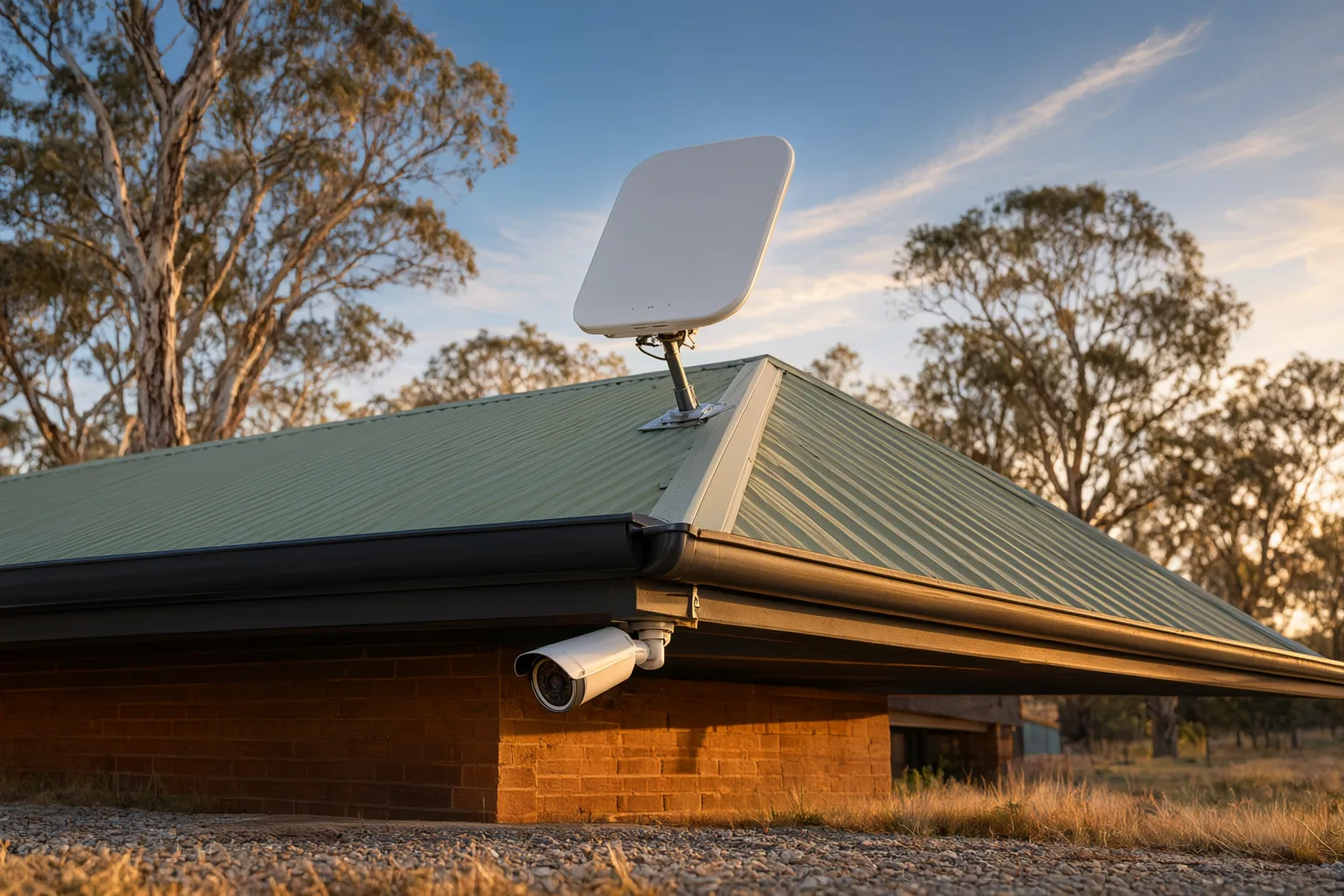
Starlink has fundamentally changed what is possible for farm security, rural properties and remote construction sites where traditional NBN simply does not reach. With typical upload speeds of 20-40 Mbps and latency of just 20-40 milliseconds, it outperforms Sky Muster by a wide margin and holds its own against mid-tier NBN plans.
Because Starlink uses low-earth orbit satellites rather than distant geostationary ones, weather affects it far less than legacy satellite services — though heavy rain can still cause brief dropouts. For a grazing property monitoring gates, machinery sheds and livestock yards hundreds of metres from the homestead, Starlink paired with solar-powered cameras delivers genuine off-grid surveillance that was unthinkable only a few years ago.
Portability adds another dimension. A construction site can have full CCTV coverage with [[a-step-by-step-guide-to-configuring-remote-viewing-on-your-phone|remote viewing]] operational on day one, then relocate the entire system to the next project when the job wraps up. At $139 per month for residential service or $174 for business, Starlink costs more than NBN — but where fixed-line infrastructure ends, it is frequently the only path to professional-grade remote monitoring.
Can 4G Failover Keep Remote Access Alive Through Outages?
Even the best NBN connection drops out occasionally, and a security system without remote access during an outage defeats part of its purpose. That is why professional installations include 4G failover. Modern NVRs from Hikvision and Dahua support dual-WAN configurations that switch automatically to a mobile connection the moment the primary link fails.
A quality 4G modem with an external antenna achieves 5-20 Mbps upload across most suburban Australia — enough for two to four cameras at reduced quality. In metropolitan areas with 5G coverage, uploads can hit 50-100 Mbps, rivalling premium NBN tiers. Smart configuration matters here: systems should automatically reduce streaming quality when running on the backup link, preserving mobile data while maintaining full security coverage.
For inherently mobile applications — boats, caravans, pop-up event security — 4G or 5G becomes the primary connection rather than a fallback. Industrial-grade routers from brands such as Teltonika or Cradlepoint provide the reliability and remote management features professional deployments require, well beyond what consumer mobile hotspots can offer.
Do Camera Settings Like H.265+ Stretch Your Bandwidth Further?
Bandwidth is a finite resource, and professional installers configure cameras to make every megabit count without compromising security effectiveness. H.265+ compression, standard on current Hikvision, Dahua and Uniview equipment, cuts bandwidth requirements by 50-70% compared with older H.264 encoding while preserving image quality.
Variable bitrate (VBR) settings allocate extra bandwidth during motion events — when detail actually matters — then settle back to a baseline during quiet periods. Hikvision's AcuSense technology goes further still, applying AI to distinguish people and vehicles from swaying trees, animals or passing headlights, so high-quality recording triggers only for genuine security events.
Dual-stream architecture completes the picture. Each camera produces a lower-resolution sub-stream optimised for remote viewing alongside the full-quality main stream recorded to the NVR. When you check in from your phone, you view the efficient sub-stream; if you need forensic detail, you switch to the main stream or review recorded footage. The result is fluid remote access even on modest connections.
What Does Professional QoS Configuration Add to Remote Viewing?
Raw internet speed is only half the story. Professional installation includes Quality of Service (QoS) rules that prioritise CCTV traffic over everything else sharing the connection, so a teenager's gaming session or a housemate's streaming binge never interrupts your ability to check the cameras.
Secure remote access also depends on correct setup. Older port-forwarding methods exposed networks to unnecessary risk; modern systems instead use P2P cloud services with end-to-end encryption, simplifying configuration while closing security holes. Dynamic DNS (DDNS) remains relevant for some setups where direct access is required.
Business installations benefit from further hardening. VLANs segregate camera traffic from general office networks, improving both security posture and performance. PoE switches with adequate power budgets and switching capacity prevent the bottlenecks that cause dropped frames and intermittent disconnections. These technical details are what separate installations that keep working year after year from DIY efforts that function initially but falter under real-world load.
Should You Match Your Connection Type to Your Location?
Metropolitan homes and businesses with FTTP or HFC NBN should target plans offering at least 40 Mbps upload for systems of four to eight cameras. That headroom accommodates simultaneous remote viewing, cloud backups and ordinary household usage without anyone noticing a performance dip.
Regional properties on Fixed Wireless NBN can comfortably support two to four cameras, but pairing the connection with a 4G backup is strongly recommended. Outages and congestion are simply more common outside the metros, and failover ensures continuous remote access regardless.
Rural properties beyond fixed-line coverage should weigh up Starlink seriously despite the higher monthly cost. Monitoring remote gates, water tanks, pump sheds and stock camps from anywhere transforms both farm security and day-to-day operational efficiency. Combine Starlink backhaul with solar-powered cameras and you achieve true off-grid surveillance for even the most isolated corners of the country.
Internet Connection Comparison for Remote CCTV Access
| Connection Type | Typical Upload Speed | Latency | Cameras Supported | Best For | Monthly Cost |
|---|---|---|---|---|---|
| NBN Basic (12/1) | 1 Mbps | 10-20ms | 1 camera (low quality) | Single camera, budget option | $50-60 |
| NBN Standard (50/20) | 20 Mbps | 10-20ms | 4-6 cameras | Most homes and small business | $70-85 |
| NBN Premium (100/40) | 40 Mbps | 10-20ms | 8-12 cameras | Large homes, commercial sites | $90-110 |
| Starlink Residential | 20-40 Mbps | 20-40ms | 4-8 cameras | Rural properties, farms | $139 |
| Starlink Business | 40-60 Mbps | 20-40ms | 8-12 cameras | Remote commercial sites | $174 |
| 4G (Good Signal) | 10-20 Mbps | 30-50ms | 2-4 cameras | Backup, mobile, temporary | $40-80 |
| 5G (Metro Areas) | 50-100 Mbps | 10-30ms | 8-16 cameras | Primary or backup in coverage areas | $60-100 |
| Sky Muster Satellite | 5 Mbps | 600ms+ | 1-2 cameras (frustrating) | Last resort only | $50-100 |