
Key Takeaways
- Around 70–80% of common CCTV faults are fixed via remote CCTV management without a technician visiting your property.
- NSW installers must hold a licence under the Security Industry Act 1997 before you grant them remote access.
- On-site call-outs typically cost $150–$250 in metro areas, while many remote fixes are covered by lifetime support.
- AI detection tuning on Hikvision AcuSense and Dahua WizSense cameras is the most frequent remote job in NSW.
- NBN, 4G routers and Starlink all support off-site CCTV servicing across regional Australia.
- Secure access uses encrypted VPN or P2P platforms like Hik-Connect — no static IP or risky port forwarding needed.
Is Remote CCTV Management the New Standard for Australian Security Systems?
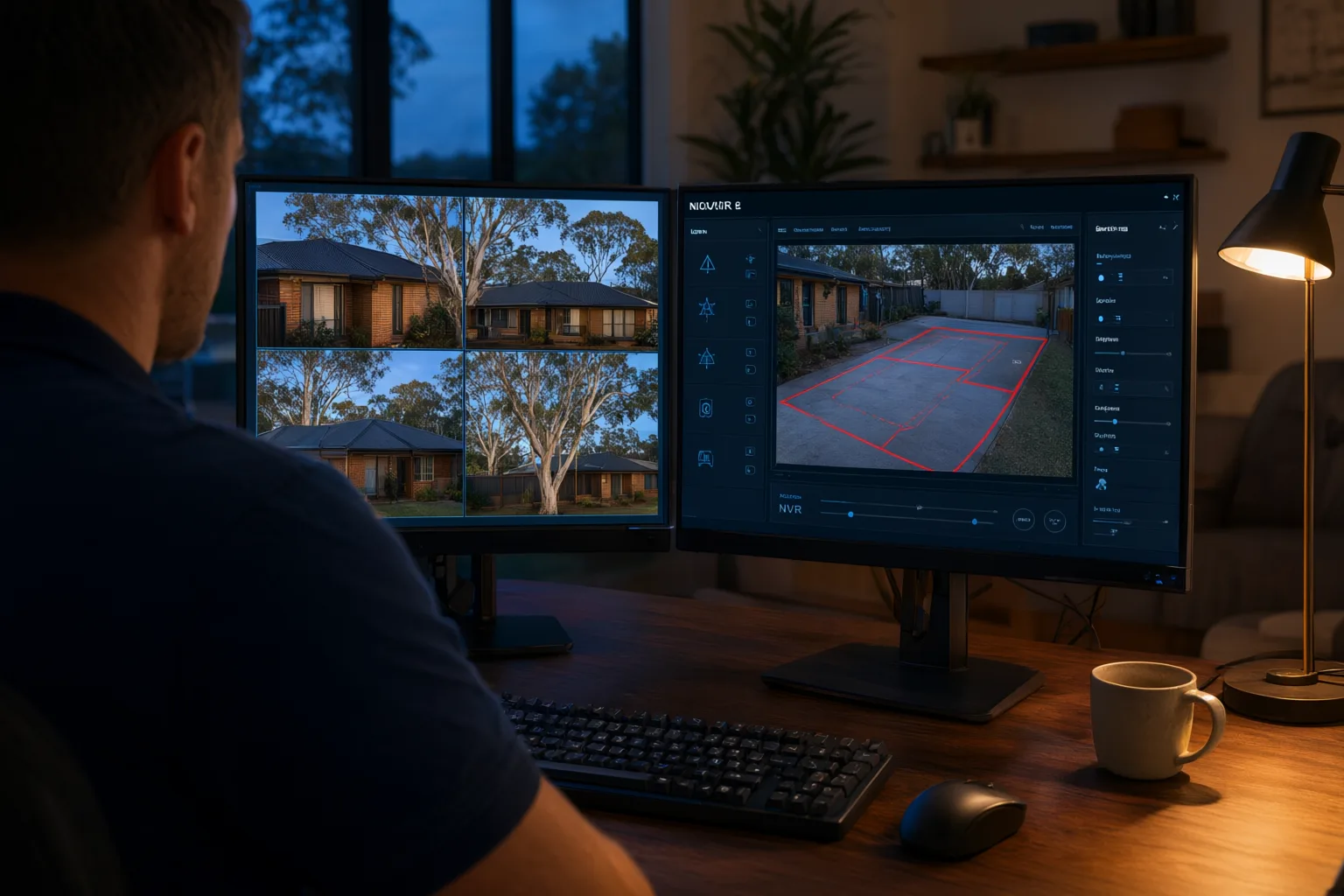
Most CCTV problems no longer need a technician at your door. Through remote CCTV management, a licensed Australian installer can log into your recorder over an encrypted connection, diagnose the fault, adjust camera behaviour and confirm everything works — often within the hour, usually at no cost beyond the lifetime support included with your original installation.
Industry experience suggests roughly 70 to 80 per cent of common CCTV complaints — false motion alerts, poor night image quality, storage filling too quickly, broken phone viewing — are software or configuration problems rather than hardware failures. That means they can be fixed remotely. Only genuine physical faults, like a knocked-over camera or a failed hard drive, still require someone on-site. This article explains exactly how off-site management works, what it can and can't achieve, and what Australian property owners should look for before granting anyone remote access.
What Does Off-Site CCTV Servicing Actually Involve?
Remote configuration is the practice of a qualified technician connecting to your network video recorder (NVR) and cameras through an encrypted internet connection to perform maintenance tasks. Think of it as the difference between calling an electrician out to flip a switch versus having them talk you through it — except in this case, the installer can flip the switch themselves, safely and verifiably.
The capability exists because modern surveillance equipment is essentially specialised computing hardware. Cameras from brands such as Hikvision, Dahua, Uniview and Axis run firmware, process video analytics and store footage on networked recorders. Every one of those functions is addressable over a network, which means every one of them can be adjusted by an authorised user sitting kilometres away.
This is also why older analogue systems miss out. Traditional DVR setups connected via coaxial cable generally lack the network architecture needed for full administrative control from afar. Some offer basic [[a-step-by-step-guide-to-configuring-remote-viewing-on-your-phone|remote viewing]] of live footage, but that's where it ends. It's one of the strongest arguments for upgrading to an IP platform if your current system predates the smart-camera era.
How Do Licensed Installers Connect to Your Cameras Remotely?
Professional installers don't use consumer screen-sharing apps or risky port forwarding to reach your cameras. Instead, they rely on purpose-built, encrypted pathways designed for [[what-is-the-ideal-mounting-height-for-home-security-cameras-in-australia|security]] hardware. There are two main approaches used across Australia:
The first is a direct VPN tunnel — a site-to-site or client-to-site virtual private network that creates an encrypted pipe between the installer's workstation and your NVR. This grants full administrative access while keeping the connection invisible to the open internet. The second is a manufacturer cloud platform: Hik-Connect for Hikvision gear, DMSS for Dahua, and EZView for Uniview. These services handle the connection handshake automatically, so no static IP address or router configuration is required on your end.
Whichever method is used, reputable firms follow strict protocols. Access is authenticated with unique credentials protected by two-factor authentication. Technicians connect only with your knowledge, document every change made during the session, and disconnect when the job is done. At Aussie CCTV Cams, credentials are stored securely, never shared, and remain under your control — you can revoke access whenever you choose.
- Encrypted VPN tunnel direct to the NVR for full administrative control
- Manufacturer cloud platforms (Hik-Connect, DMSS, EZView) for health checks and diagnostics
- Two-factor authentication protecting all installer accounts
- Session logging so every remote change is documented and auditable
Which CCTV Problems Can Be Fixed Remotely — and Which Need a Site Visit?
Because so much of a modern camera system is software-driven, the list of remotely manageable tasks is longer than most property owners expect. Anything involving settings, schedules, analytics, firmware or app connectivity falls squarely into the off-site category. If your cameras are physically intact but behaving oddly, there's a strong chance the fix requires nothing more than a login.
Hardware, however, obeys different rules. A camera that's been knocked out of alignment by a storm, a PoE switch that has died, a cable chewed by possums or rodents, or a hard drive reaching end of life all demand hands-on work. No amount of remote wizardry will re-mount a bracket or replace a failed component. The comparison table later in this article breaks down typical tasks so you know what to expect before booking a service call.
Why Is AI Detection Tuning the Most Common Remote Job in NSW?
The single most frequent remote task performed for Sydney and regional NSW clients is tuning artificial intelligence detection. Smart cameras such as Hikvision AcuSense and Dahua WizSense use onboard analytics to tell the difference between a person, a vehicle, a wandering dog, swaying branches or headlights sweeping across a driveway. But those algorithms need real-world data to calibrate against — and the first few weeks after [[installing-security-cameras-in-cyclone-prone-areas-what-you-need-to-know|installation]] often reveal that sensitivity levels or detection zones aren't quite right.
A short remote session typically resolves this. The technician redraws motion detection zones to exclude busy footpaths or neighbouring properties, adjusts sensitivity thresholds, and configures target filters so alerts fire only for people and vehicles. Clients commonly report going from dozens of nuisance notifications per day to just the ones that matter.
Beyond detection tuning, other popular remote adjustments include optimising bitrate and resolution to stretch hard drive retention further, enabling WDR (wide dynamic range) on cameras copping harsh afternoon sun, reconfiguring recording schedules around changed trading hours or holiday closures, activating line-crossing detection along fences, setting up ANPR at driveways, and repairing remote viewing on phones and tablets. Firmware updates — which patch security vulnerabilities and unlock new features — are pushed remotely as well.
- Redrawing AI motion detection zones to eliminate false alarms
- Adjusting sensitivity for pets, trees, rain and passing traffic
- Tuning bitrate, frame rate and resolution for longer storage retention
- Applying manufacturer firmware updates and security patches
- Reconfiguring recording schedules, holiday modes and event triggers
- Setting up or repairing remote viewing on phones and tablets
Can NBN, 4G and Starlink Support Remote Camera Management?
Remote management needs one thing above all else: a working internet connection at the recorder. For metropolitan homes and businesses, any functioning NBN service is more than sufficient. Configuration traffic — settings changes, firmware transfers, diagnostic checks — uses a fraction of the bandwidth consumed by live video streaming, so even modest upload speeds handle it comfortably.
Rural and regional properties are equally well served. Systems on farms, construction sites and remote sheds are routinely managed over 4G routers or Starlink connections, and a 4G-connected NVR delivers full remote functionality even where fixed-line internet doesn't exist. If your site currently has no connectivity at all, a well-designed system can build mobile connectivity in from day one.
A common misconception is that you need a static IP address for remote access. You don't. Dynamic DNS services track address changes automatically, and manufacturer P2P cloud platforms sidestep the issue entirely by brokering the connection through their own servers.
Are There Safeguards When an Installer Holds Remote Access to Your System?
Granting remote access to your surveillance system is fundamentally a trust decision, so vetting matters. In New South Wales, anyone installing or servicing security equipment must hold a current licence under the Security Industry Act 1997 — always verify this before handing over credentials. Ask pointed questions: How are passwords stored? Is two-factor authentication enabled? Are sessions logged?
Technical hygiene matters just as much. Your installer should change all default passwords on day one, disable UPnP on your router, never expose camera ports directly to the public internet, and keep firmware current so known vulnerabilities stay patched. These basics prevent your system becoming an easy target for opportunistic attackers scanning for poorly secured devices.
Privacy obligations apply too. Under the Privacy Act 1988 and NSW workplace surveillance legislation, footage must be handled lawfully regardless of who holds technical access. A professional installer connects to configure, not to browse — they should never view your live feeds without your authorisation, and you retain the right to change passwords or disable remote access entirely at any time.
Should You Expect Proactive Health Checks With Remote CCTV Support?
Remote capability isn't just reactive firefighting — it enables genuinely proactive maintenance. As part of a professional five-step delivery process (consultation, design, installation, configuration and handover with training), secure remote access is established from the outset, underpinning lifetime support that doesn't always require a truck in the driveway.
For commercial clients especially, scheduled remote health checks add a layer of assurance: verifying every camera is actively recording, interrogating hard drive SMART status for early signs of failure, confirming time synchronisation so footage remains evidentially reliable, and testing backup power readiness. The practical difference is significant — instead of discovering a dead camera when you urgently need footage, the fault is identified and resolved before it ever affects you.
How Much Does Remote Support Cost Compared With a Call-Out?
Cost is where remote servicing really earns its keep. Minor adjustments and troubleshooting are generally covered by the lifetime support included with a professional installation, meaning many fixes cost you nothing at all. Larger jobs may attract a modest service fee, but even then the expense is almost always lower than dispatching a technician.
By comparison, an on-site call-out in metro areas typically starts around $150 to $250 once travel time and minimum charges are factored in — and that's before any actual repair work begins. When roughly three-quarters of issues can be settled from the installer's desk, the savings compound quickly over the life of your system. If you're unsure whether your problem qualifies for remote resolution, requesting a free quote or assessment is the simplest way to find out.
Remote vs On-Site CCTV Work: What Requires a Visit?
| Task | Remote | On-Site Visit Required |
|---|---|---|
| Motion detection zone and sensitivity tuning | Yes | No |
| Firmware updates and security patches | Yes | No |
| Recording schedule and storage optimisation | Yes | No |
| Remote viewing app setup and troubleshooting | Yes | No |
| Camera repositioning or lens cleaning | No | Yes |
| Replacing a failed hard drive or PoE switch | No | Yes |
| Cable repair or new camera installation | No | Yes |
| Image focus and angle adjustment (motorised varifocal) | Yes | No |