
Key Takeaways
- Local NVR/DVR storage has no ongoing fees and records even when your internet drops out.
- Cloud storage protects footage if your recorder is stolen or destroyed, but monthly fees add up fast.
- Australian NBN upload speeds (often 18–20 Mbps) limit how many cameras can stream to the cloud at once.
- A hybrid setup — local NVR with cloud backup for critical events — suits most Australian homes.
- Four cameras on cloud plans can cost $720–$1,440 over three years, often more than the NVR itself.
- Professional systems from Hikvision, Dahua and Uniview support both local and cloud recording.
How CCTV Storage Works: The Two Main Options
Every security camera system needs somewhere to put its footage. For Australian homeowners, that choice comes down to two paths: local storage on a network video recorder (NVR) or digital video recorder (DVR) sitting in your home, or cloud storage on servers run by the camera manufacturer or a third party.
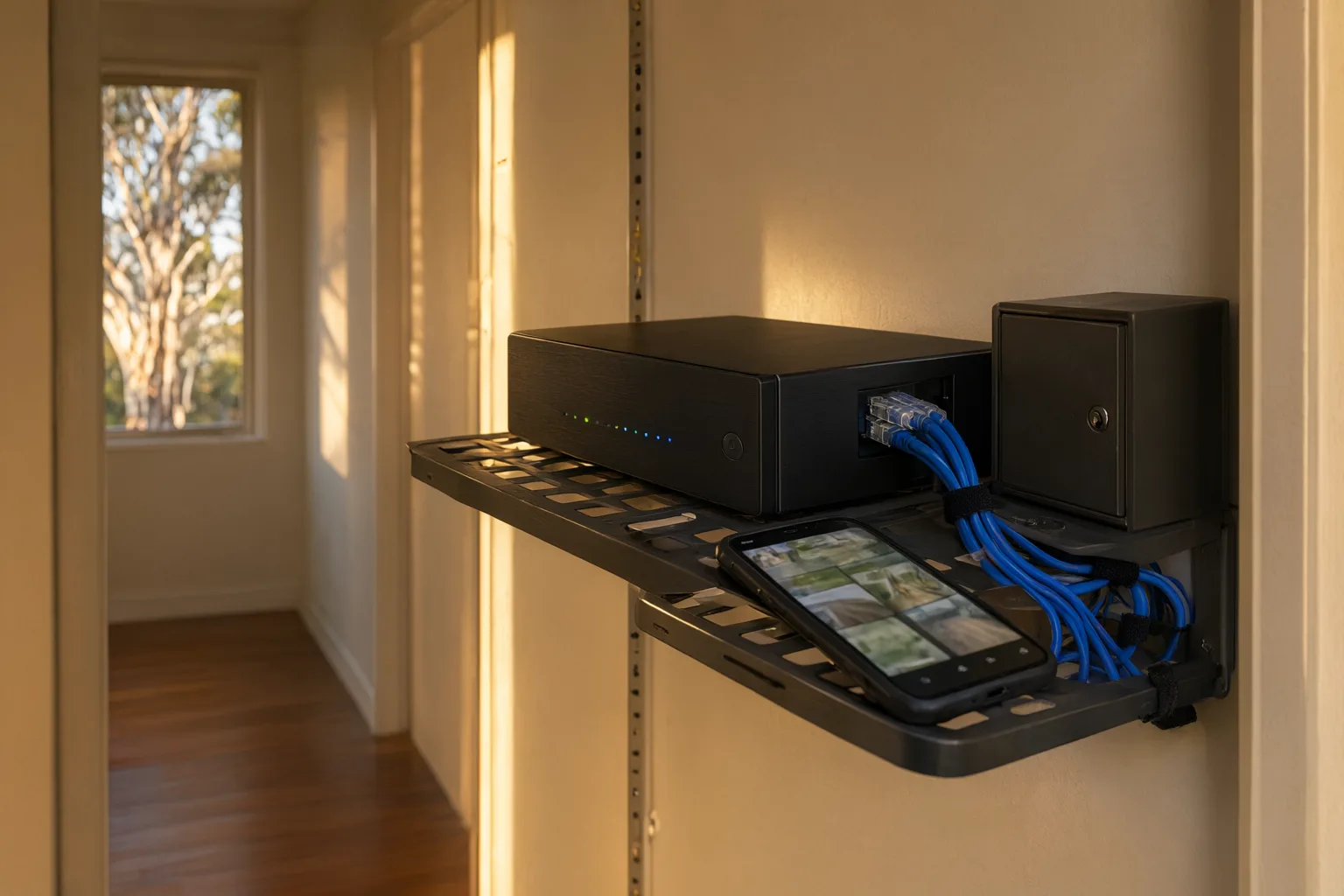
Local storage means a recorder with a hard drive — usually 1TB to 8TB — tucked away in a cupboard, garage or comms rack. Your cameras record to it continuously, 24/7, and you can typically keep two to four weeks of footage before the oldest files are overwritten. This is the approach used by professional-grade systems from Hikvision, Dahua, Uniview and Axis.
Cloud storage uploads your footage over your internet connection to remote servers. It's the model pushed by consumer DIY brands like Ring, Arlo and Google Nest. Rather than recording everything, most cloud plans only save short clips when motion is detected — a crucial difference many homeowners don't realise until they've already bought in.
The Pros and Cons of Local NVR Storage
Local storage is the workhorse of professional CCTV, and for good reason. There are no monthly fees — once the recorder is installed, storing footage costs you nothing beyond a trickle of electricity. Recording is continuous rather than clip-based, so you never miss the thirty seconds before a motion event triggered. And because everything happens on your home network, recording keeps working perfectly when the NBN drops out during a storm.
Privacy is another genuine advantage. Your footage never leaves your property, which matters to many families, and there's no risk of a subscription lapse wiping your history. Modern NVRs still give you full remote viewing through apps like Hik-Connect or DMSS — you don't need cloud storage to check your cameras from the coast.
The downsides are real, though. If a burglar steals or smashes the recorder, your footage goes with it. Hard drives eventually wear out (expect three to five years from a surveillance-grade drive), and you're responsible for the hardware. A professional installer mitigates the theft risk by mounting the NVR in a locked, ventilated enclosure in a concealed spot — something we do as standard on every job.
- No ongoing subscription costs
- Continuous 24/7 recording, not just motion clips
- Works with zero internet connection
- Footage stays private on your property
- Vulnerable to recorder theft or fire without off-site backup
- Hard drive replacement needed every 3–5 years
The Pros and Cons of Cloud CCTV Storage
Cloud storage's killer feature is off-site protection. Burn the house down, steal the cameras — the footage survives on a server in a data centre. Setup is usually simple, there's no recorder to maintain, and sharing a clip with police or your insurer takes a few taps.
But the Australian context creates real problems. First, upload speeds. Most NBN plans offer just 18–20 Mbps upload, and a single 4K camera streaming continuously can eat half of that. This is why cloud cameras fall back to motion-triggered clips at compressed quality — the infrastructure simply can't handle full-time uploading from a multi-camera home.
Second, cost creep. Plans typically run $5 to $30 per camera per month. Four cameras on mid-tier plans can exceed $1,000 over three years — often more than the entire cost of a quality NVR. Third, you're renting access: stop paying, and your footage history usually vanishes within days. Finally, your footage sits on overseas servers in many cases, which raises data sovereignty questions some homeowners and insurers care about.
- Footage survives theft, fire and vandalism of on-site equipment
- No recorder hardware to buy or maintain
- Easy clip sharing with police and insurers
- Monthly fees of $5–$30 per camera compound quickly
- NBN upload limits force clip-only, compressed recording
- Footage deleted if subscription lapses
What Does Each Option Really Cost Over Three Years?
Upfront price tags mislead. A cloud camera looks cheap at $150 until you multiply the subscription across years and cameras. A professional four-camera system with an NVR costs more on day one but then records for free. The table below compares realistic three-year costs for a typical four-camera Australian home.
The numbers tell a clear story: for anything beyond one or two cameras, local storage wins on cost decisively, and the gap widens every year you own the system.
Why Hybrid Storage Is the Sweet Spot for Most Homes
You don't have to choose one or the other. Professional systems increasingly support hybrid recording: continuous footage saved to your NVR, with critical motion events — say, a person detected by AcuSense AI at your front gate — also pushed to the cloud as a backup clip.
This gives you the best of both worlds. Your full recording history lives locally at no ongoing cost and survives internet outages. Your most important clips live off-site, so even a determined thief who rips out the recorder can't erase the evidence of them doing it. Because only short event clips upload, even a modest NBN upload speed copes fine.
When we design systems for NSW homes, this is the configuration we recommend most often — especially in bushfire-prone areas where off-site backup of critical footage is genuine insurance, and in rural properties where 4G failover keeps the cloud link alive when fixed internet isn't available.
Which CCTV Storage Option Should You Choose?
Choose local NVR storage if you want continuous recording, no monthly fees, and reliability through internet outages — which describes most Australian households with three or more cameras. Choose pure cloud storage only if you have one or two cameras, strong upload speeds, and value simplicity over long-term cost.
Choose hybrid if you want belt-and-braces protection: local recording for everything, cloud backup for the events that matter. Whatever you decide, buy surveillance-grade hardware rather than consumer DIY kits — a Hikvision or Dahua NVR with a proper hard drive will outlast three generations of subscription cameras.
As licensed and insured NSW installers, we design storage around your property, your NBN connection and your budget — then back it with lifetime support. Every installation follows our five-step process: consult, design, install, configure, and a full handover with training so you actually know how to find and export footage when it counts. Get in touch for a free quote and we'll map out the right option for your home.
Cloud vs Local CCTV Storage: 3-Year Cost and Feature Comparison
| Factor | Local NVR Storage | Cloud Storage | Hybrid (NVR + Cloud Clips) |
|---|---|---|---|
| Upfront hardware cost | $900–$1,800 (NVR + drive, installed) | $0–$600 (cameras only) | $900–$1,800 plus minimal cloud plan |
| Ongoing cost (3 years) | $0–$150 (eventual drive wear) | $720–$1,440+ (4 cameras) | $180–$360 (1–2 camera event plan) |
| Recording type | Continuous 24/7 | Motion-triggered clips only | Continuous local + cloud event clips |
| Works during NBN outage | Yes, fully | No — recording stops | Yes, local recording continues |
| Footage survives recorder theft/fire | No | Yes | Yes (critical clips) |
| Typical retention | 2–4 weeks continuous | 30–60 days of clips | 2–4 weeks local + 30 days cloud clips |
| NBN upload demand | None (remote viewing only) | High — limits camera count | Low — short clips only |
| Best for | Most homes, 3+ cameras | 1–2 cameras, renters | Bushfire zones, high-value properties |