
Key Takeaways
- Multi-site CCTV links local NVRs at each site to one cloud dashboard, so owners see every camera live.
- A standard eight-camera commercial system costs $3,500–$6,000 installed per site, plus $2,000–$4,000 network setup.
- Local NVR recording means an NBN outage at any site never stops footage capture; 4G failover restores remote access.
- Tiered user permissions let store managers view only their site while owners see the whole Australian network.
- AI analytics like AcuSense cut false alarms by distinguishing people and vehicles from rain, animals and shadows.
- Installers must hold a state security licence—NSW Master Licence holders cover Newcastle; licensed SA installers cover Adelaide.
How Can One Dashboard Control Every Franchise Location?
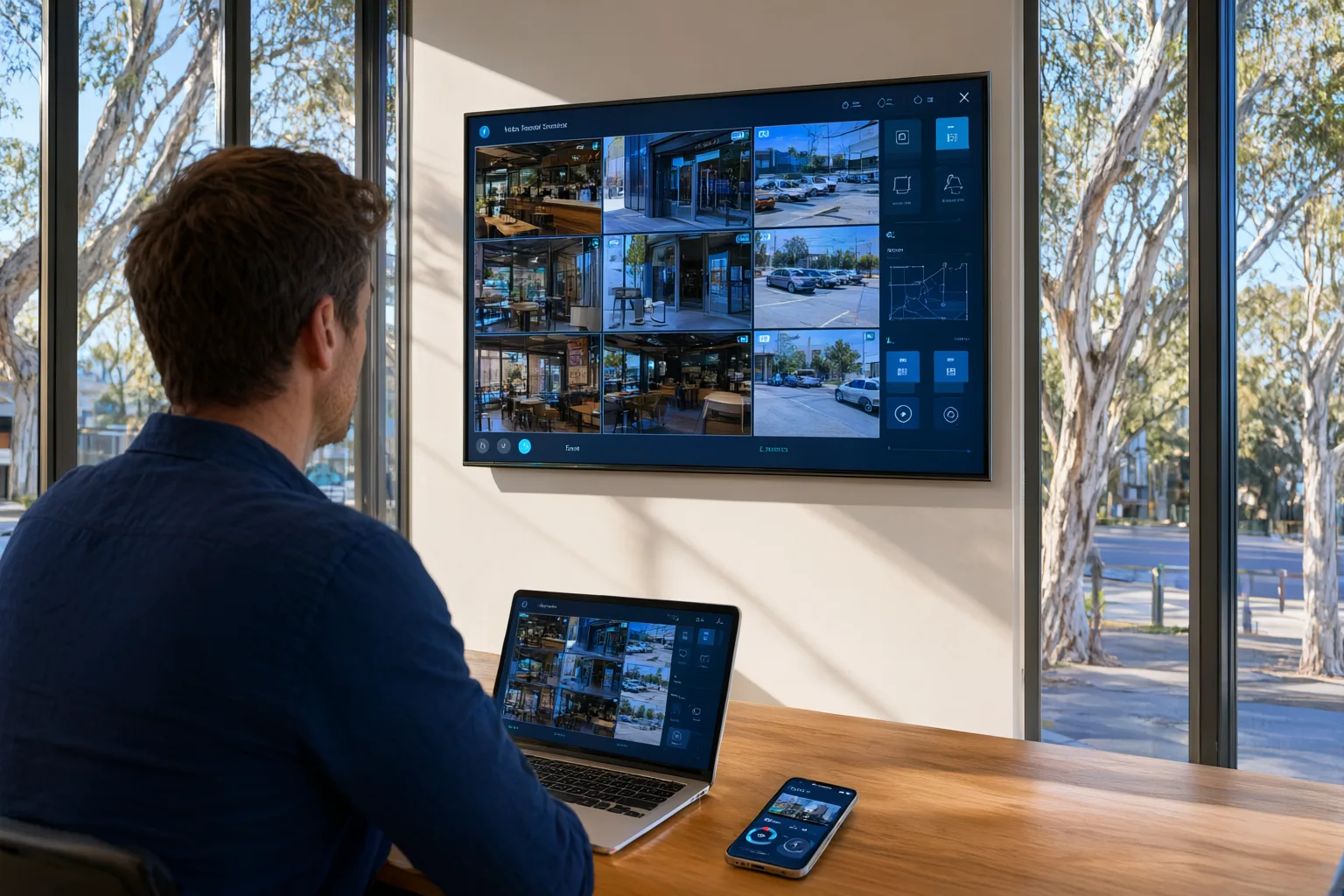
Yes—one dashboard can control every franchise location. Modern franchise CCTV systems connect IP cameras at each site to a local NVR, which links back to a central cloud platform via secure VPN. Log in once and you see live video, recordings and alerts from every store, café or warehouse across your network, whether you're at head office in Newcastle, at home, or interstate in Adelaide.
This guide explains how multi-site CCTV works, what it costs for Australian franchises, which hardware suits our conditions, and how centralised management compares with running standalone systems at each location.
Why Do Standalone CCTV Systems Fail Multi-Site Franchise Owners?
Most [[franchise-cctv-rollouts-how-to-standardise-security-across-every-location|franchise]] networks don't start with a security strategy—they accumulate systems. The first store gets an off-the-shelf kit, the second gets whatever the local installer recommended, and within a few years you're managing three different apps, five sets of login credentials and a folder of passwords that nobody dares delete.
The problems compound quickly. When an incident happens at your Penrith store while you're working at Bondi Junction, your options are a drive across Sydney or a phone call asking staff to export footage they may not know how to find. Staff turnover means reconfiguring user access site by site. And when a camera fails, you often don't discover it until you urgently need the footage—which by then doesn't exist.
Centralised multi-site management eliminates these friction points. One interface, one set of credentials, one place to search footage and manage permissions across your entire network.
What Does Multi-Site CCTV Architecture Actually Look Like?
A well-designed multi-site system has three layers. At each location, IP cameras connect over Power over Ethernet (PoE) cabling to a local NVR that records continuously. Local recording is deliberate: even if that site's internet connection drops, recording continues uninterrupted and nothing is lost.
The second layer is connectivity. Each NVR connects to a central management platform through an encrypted cloud service or site-to-site VPN. This is what allows you to pull up any camera, at any site, from anywhere.
The third layer is the management software itself. Hikvision's iVMS-4200 and Dahua's DMSS are the workhorses here, supporting up to 64 simultaneous camera views, cross-site footage searches and centrally managed user permissions. Uniview offers comparable capability through its own platform. Your installer configures all of this during rollout so the experience is seamless for you and your managers. Our installers are fully licensed under state security laws and comply with the Privacy Act 1988 at every job.
Which Features Deliver Real Value Across a Franchise Network?
Not every feature matters equally to a multi-site operator. These are the ones that change day-to-day operations:
Unified alerting consolidates notifications from every location into one stream. Motion detection, camera tampering and after-hours activity triggers arrive in real time, and customisable zones let your Parramatta warehouse run more sensitive settings than your Manly shopfront.
Tiered user permissions mean your area manager sees their five stores while individual store managers see only their own site. When someone leaves, you revoke access once at the centre—it propagates everywhere instantly.
Remote health monitoring flags offline cameras, failing hard drives and connectivity issues before they become gaps in your coverage. For a network owner, this alone justifies the upgrade.
Cross-site searching lets you pull footage by date, time, camera or event type across all locations simultaneously—invaluable when investigating incidents that span stores, such as repeat offenders or internal theft patterns.
Are Security Cameras Built for Australian Conditions Tough Enough?
Australia is hard on security equipment. Coastal franchises battle salt-air corrosion, western Sydney sites regularly see summer temperatures above 40°C, and regional locations cop dust, storms and everything in between. Consumer-grade cameras from electronics retailers routinely fail within a couple of years under these conditions.
We specify [[how-to-choose-a-commercial-cctv-installer-in-australia-10-questions-to-ask|commercial]]-grade cameras from Hikvision, Dahua, Uniview and Axis, rated IP66 or IP67 for dust and water ingress. These enclosures are designed for exactly the environments Australian franchises operate in.
Two technologies deserve particular attention. ColorVu cameras capture full-colour footage around the clock using supplemental lighting, which makes the difference between identifying a vehicle's colour in a car park and squinting at grey shapes. AcuSense adds AI-powered classification that distinguishes humans and vehicles from animals, shadows and weather—dramatically reducing false alarms. Across a network, that means fewer 2am alerts triggered by possums and more notifications worth acting on.
Do Storage and NBN Plans Differ Across Multiple Sites?
Storage sizing is where many multi-site projects go wrong. We typically recommend 30 days of retention for retail and hospitality sites, extending to 60–90 days for higher-risk environments. As a rule of thumb, a 16-camera site recording at 4MP resolution needs roughly 8–12TB of storage. All our NVRs use surveillance-grade hard drives rated for continuous operation—not desktop drives that fail within months of 24/7 duty.
Bandwidth is the second constraint. Streaming footage remotely used to choke modest connections, but modern H.265+ compression cuts bandwidth requirements by up to 80% versus older H.264 encoding, making remote viewing practical even on entry-level NBN plans.
For sites with unreliable NBN or rural franchises beyond decent coverage, we configure 4G failover that automatically switches to mobile data, and we can deploy solar-powered camera systems running over Starlink where fixed-line connections simply aren't viable.
Cloud storage plays a supporting role rather than replacing local recording. Critical clips—alarm events, after-hours motion—upload automatically to Australian-hosted cloud servers for redundancy, while continuous recording stays local to keep bandwidth costs manageable.
Should You Standardise Your CCTV Rollout Across Every Location?
Consistency is the secret to manageable multi-site security. Our rollout follows a five-step process: a security consultation at each site, a customised camera layout design, installation and configuration, integration into your central dashboard, then hands-on training for your team.
For franchise rollouts specifically, we develop a standardised specification covering camera placement, recording settings and user access levels. Every location ends up with the same familiar layout, which means your area managers can open any store's feed and immediately know what they're looking at. It also simplifies training new staff and troubleshooting issues remotely.
Ongoing management happens largely through the dashboard itself. We monitor system health remotely, push firmware updates centrally, and frequently resolve issues before you've noticed them. When on-site service is required, our licensed and insured technicians cover all NSW locations, and our installations carry lifetime support.
Is Multi-Site CCTV Affordable for Australian Franchisees?
Budgeting accurately helps you plan a phased or full-network rollout. A typical single-site system of eight [[how-much-does-commercial-cctv-cost-in-australia-a-2025-pricing-guide|commercial]]-grade cameras costs $3,500–$6,000 installed, depending on camera specification, storage capacity and cabling complexity. The central management platform setup adds $2,000–$4,000 as a one-off network cost.
For a five-location network, expect a total investment of $18,000–$28,000. Interestingly, this isn't dramatically more than installing five independent standalone systems ($15,000–$25,000), yet the centralised approach saves an estimated five to seven hours of management time per week and scales far more cheaply as you add locations.
Every franchise is different, so we provide free quotes broken down into per-site pricing and network-level costs, making it easy to budget site-by-site as you expand.
Centralised vs Standalone CCTV: What Franchise Owners Actually Experience
| Feature | Centralised Multi-Site System | Standalone Systems Per Site |
|---|---|---|
| Live viewing | All sites from one dashboard | Separate login per location |
| User management | Centralised permissions across network | Configure each site individually |
| Alert notifications | Unified alerts from all locations | Separate alerts per system |
| Footage search | Search across all sites simultaneously | Search each site separately |
| System health monitoring | Network-wide status dashboard | Check each site manually |
| Typical setup cost (5 sites) | $18,000 – $28,000 | $15,000 – $25,000 |
| Management time (weekly) | 1-2 hours | 5-8 hours |
| Scalability | Add sites to existing platform | New standalone system per site |