
Key Takeaways
- Home CCTV systems should retain footage for 14-30 days as a practical minimum
- Retail and licensed venues often need 30-90 days to meet insurance and liquor licensing requirements
- Higher resolution cameras (4K) consume roughly double the storage of 4MP cameras
- Motion-based recording can extend retention periods by 40-60% compared to continuous recording
- Privacy law requires you to delete footage once it's no longer needed for a legitimate purpose
- A correctly sized NVR with surveillance-grade hard drives is essential for reliable retention
Is There a Legal Minimum Retention Period in Australia?
Here's the short answer: for most private homes and small businesses, there is no single federal law mandating exactly how long you must keep CCTV footage. However, that doesn't mean you can simply delete recordings whenever it suits you. Several overlapping obligations shape what counts as a reasonable retention period in practice.
Under the Privacy Act 1988, if your cameras capture identifiable individuals — which almost all CCTV does — the footage is considered personal information. That means you're required to handle it responsibly, keep it secure, and destroy or de-identify it once it's no longer needed for the purpose it was collected. Keeping footage indefinitely 'just in case' can actually put you on the wrong side of privacy obligations.
Specific industries face stricter rules. Licensed venues in NSW, for example, must retain CCTV footage for a minimum of 30 days under liquor licensing conditions, and some councils require longer. Childcare centres, aged care facilities, and financial institutions often have their own regulatory or insurance-driven requirements. If you operate in a regulated industry, check with your licensing body and insurer before setting your NVR to overwrite.
Recommended Retention Periods for Homes and Businesses
Based on what we see across hundreds of installations throughout NSW, these are the retention periods that strike the right balance between practicality, cost, and genuine usefulness.
For residential properties, 14 to 30 days covers the vast majority of real-world scenarios. Most incidents — a break-in, a damaged car, a missing parcel — are discovered within a week or two. Thirty days gives you a comfortable buffer without needing an oversized hard drive. If you travel frequently or own a holiday home that sits empty for stretches, consider extending to 60 days so footage is still available when you return and discover something's amiss.
For commercial premises, 30 days should be your absolute floor. Retail businesses benefit from 60 to 90 days because shoplifting and employee theft often aren't detected until stocktake. Warehouses and construction sites dealing with insurance claims or workplace incidents should aim for 90 days minimum — injury claims and disputes can surface weeks after the event. Licensed venues should confirm their specific obligations, but 30 days is the standard NSW requirement, with many operators choosing 90 days for added protection.
How Camera Settings Affect Your Storage Requirements
Retention isn't just about buying the biggest hard drive you can afford. Your camera count, resolution, frame rate, and recording mode all dramatically affect how much footage you can store. Getting this balance right is one of the most important parts of professional system design.
Resolution is the biggest factor. A single 4K (8MP) camera recording continuously at 15 frames per second with H.265 compression consumes roughly 60-80GB per day. Drop that to a 4MP camera and you're looking at approximately 30-40GB per day. Multiply that by eight cameras and 30 days, and you can see why storage planning matters — that's anywhere from 7 to 19 terabytes depending on your setup.
Recording mode makes an enormous difference. Continuous recording captures everything around the clock, but motion-activated recording — especially with modern AI-powered detection like Hikvision AcuSense or Dahua WizSense, which filter out false triggers from animals, shadows, and rain — can reduce storage consumption by 40 to 60 per cent. For most homes and many businesses, smart motion recording is the sweet spot between coverage and efficiency.
Frame rate also plays a role. Dropping from 25fps to 15fps saves significant storage with no meaningful loss in evidentiary quality for most scenes. We typically recommend 15fps for general coverage and 25fps only for high-detail areas like entrances, tills, or ANPR camera positions.
Choosing the Right NVR and Hard Drive for Your Retention Goals
This is where professional system design genuinely pays for itself. An undersized hard drive means your footage overwrites itself before you need it. An oversized one means you've spent money on capacity you'll never use.
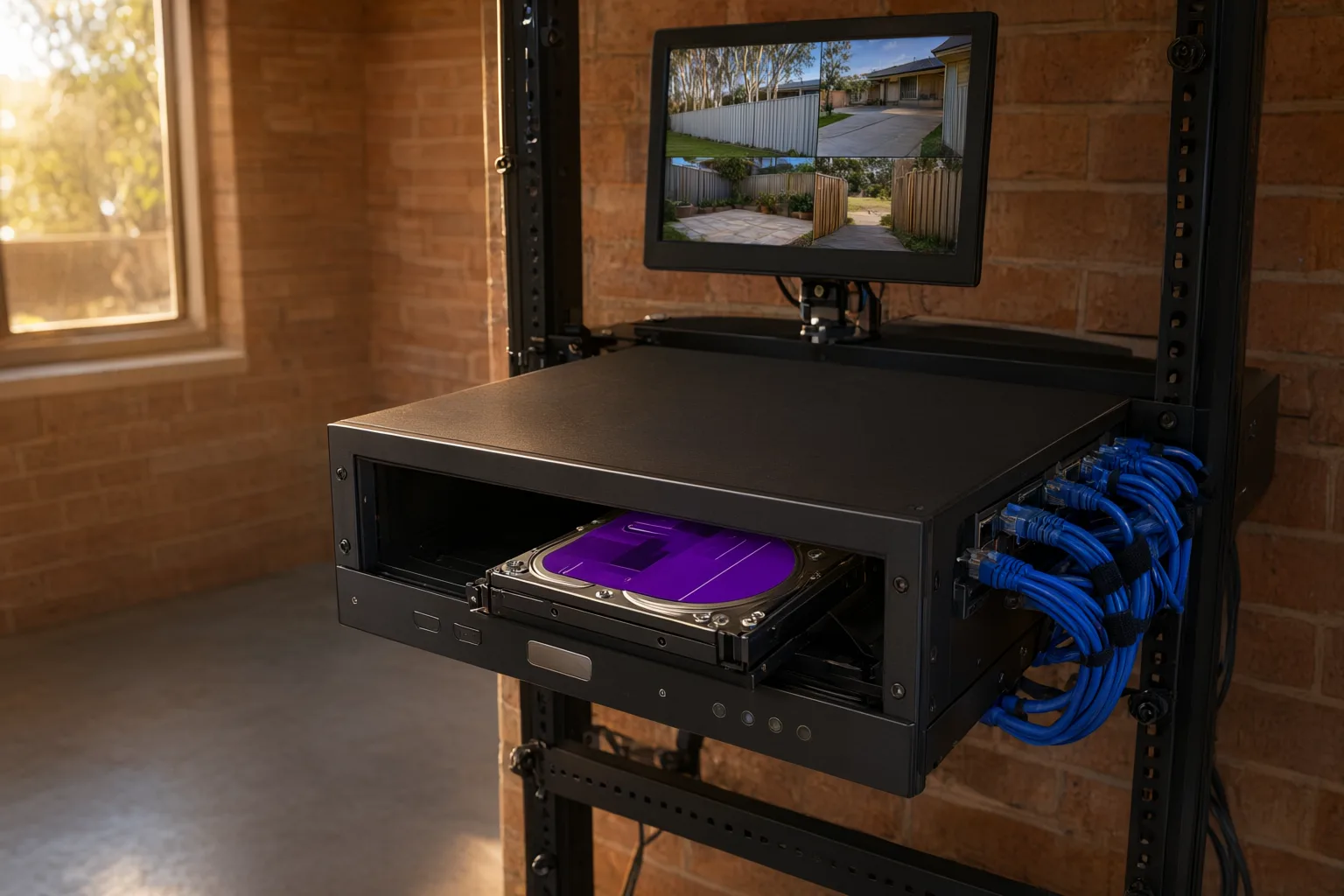
Always use surveillance-grade hard drives — specifically drives like the Western Digital Purple or Seagate SkyHawk series. These are engineered for the constant write cycles of 24/7 recording, run cooler, and last significantly longer than standard desktop drives. We regularly see consumer-grade drives fail within 12 to 18 months in NVR applications, taking weeks of footage with them.
Your NVR needs enough drive bays to accommodate your storage target. A four-camera home system targeting 30 days at 4MP typically needs a single 4TB surveillance drive. An eight-camera commercial system at 4K targeting 60 days might need two 8TB drives in a 16-channel NVR. When we design a system, we calculate the exact storage requirement based on your specific camera configuration, recording mode, and retention target — then build in roughly 20 per cent headroom for firmware overhead and future expansion.
For critical applications, consider NVRs with RAID support so footage survives a single drive failure. Some of our commercial clients also pair local NVR storage with cloud backup for key cameras, ensuring footage exists even if the recorder itself is stolen or damaged.
Privacy Obligations When Storing and Deleting Footage
Storing CCTV footage comes with responsibilities that many property owners don't consider until there's a problem. In Australia, footage containing identifiable people is personal information, and you have obligations around how it's stored, accessed, and eventually destroyed.
Access should be restricted. Your NVR should be password-protected, physically secured in a locked enclosure or comms rack, and connected to your network with appropriate cybersecurity measures. Only people who genuinely need access — the property owner, a designated manager, security personnel — should have login credentials.
When someone requests access to footage of themselves, you generally need to provide it under Australian Privacy Principle 12, unless an exception applies (such as an ongoing police investigation). Having a clear process for handling these requests saves significant stress.
When footage reaches the end of its retention period, your NVR will typically overwrite it automatically — and that's fine for routine deletion. However, if you've exported footage for an incident, keep it only as long as it's needed for the investigation, insurance claim, or legal proceeding, then delete it securely. Don't let old incident clips accumulate on USB drives and laptops indefinitely.
What Happens If You Delete Footage Too Soon?
The consequences of insufficient retention range from frustrating to genuinely costly. For homeowners, the most common scenario is discovering a break-in or property damage after a weekend away, only to find the relevant footage was overwritten two days earlier. It's a gutting feeling, and it's entirely preventable with proper planning.
For businesses, the stakes are higher. If an employee lodges a workers' compensation claim for an incident six weeks ago and your system only retains 30 days, you've lost your primary evidence. If a customer alleges a slip-and-fall injury and you can't produce footage, your insurer may have little choice but to settle — and your premiums will reflect it. Some commercial insurance policies now specify minimum CCTV retention periods in their terms, so falling short could even void your coverage.
The cost of adequate storage is genuinely modest compared to the cost of not having footage when you need it. A 4TB surveillance drive adds a few hundred dollars to a system. A single uninsured liability claim can run into tens of thousands. When we design systems for our clients, we always discuss realistic incident discovery timelines and build the retention period around them — it's one of the most valuable conversations in the entire consultation process.
Recommended CCTV Retention Periods by Property Type
| Property Type | Recommended Retention | Typical Camera Count | Approximate Storage Needed | Key Considerations |
|---|---|---|---|---|
| Residential home | 14-30 days | 4-6 cameras | 2-4 TB | Covers most incident discovery windows; extend to 60 days for holiday homes |
| Small retail / café | 30-60 days | 6-8 cameras | 4-8 TB | Stocktake cycles may delay theft detection; check insurer requirements |
| Licensed venue (NSW) | 30 days minimum (90 recommended) | 8-16 cameras | 8-16 TB | NSW liquor licensing mandates 30-day minimum retention |
| Warehouse / industrial | 60-90 days | 8-16 cameras | 8-16 TB | Workers' comp claims and insurance disputes can surface weeks later |
| Construction site | 90 days | 4-8 cameras | 4-8 TB | Theft and vandalism often discovered at project milestones |
| Farm / rural property | 30-60 days | 4-8 cameras | 4-8 TB | Remote properties may have delayed incident discovery; consider solar-powered cameras with 4G |