
Key Takeaways
- Most Australian homes need a 2TB to 4TB surveillance hard drive for around 30 days of footage from four to six 4MP cameras.
- Surveillance-rated drives like WD Purple and Seagate SkyHawk cost roughly $90 to $350 installed, far outlasting desktop drives in 24/7 duty.
- Businesses running eight or more cameras at 4K should budget 6TB to 8TB of CCTV storage.
- Smart settings — motion recording, lower frame rates and H.265 compression — can double retention without buying bigger drives.
How Much CCTV Storage Do You Actually Need?
The short answer: most Australian homes need a CCTV hard drive size of 2TB to 4TB, which typically stores about 30 days of continuous footage from four to six 4MP cameras. Businesses usually need 6TB to 8TB. Surveillance drives cost $90 to $350 installed, and choosing the right capacity upfront saves you from costly upgrades later.
The drive's capacity sets your look-back window. If a thief raids your letterbox or steals a trailer from your driveway, footage from last Tuesday is either there or it is not. Homeowners who undersize their storage often discover the crucial event has already been overwritten by the time they check. For business owners, the stakes climb higher: many insurers and industry bodies require 30, 60 or even 90 days of retained video, and falling short can jeopardise a claim or breach licence conditions.
There is also a cost argument for getting it right upfront. Upgrading later means buying a replacement drive, paying a call-out fee, and losing whatever was on the old disk in the meantime. This guide walks through how much storage different properties genuinely need, what surveillance drives cost across Australia, and the practical steps you can take to stretch every terabyte further.
What Four Factors Determine Your CCTV Hard Drive Size?
Every storage calculation comes back to four variables: how many cameras you run, the resolution each one records at, the frame rate you choose, and how many days of history you want to keep. Compression technology acts as a multiplier across all four — modern H.265 encoding consumes roughly half the space of legacy H.264 systems at the same image quality.
As a working figure, one 4MP [[the-hidden-costs-of-cheap-wireless-cameras-vs-professional-poe-systems|camera]] recording continuously at 15 frames per second with H.265 compression generates about 20GB to 30GB per day. Step up to a 4K (8MP) model and that figure roughly doubles. Switch the camera to motion-activated recording and daily consumption can drop by 50% to 70%, depending entirely on how busy the scene is. That is why intelligent detection platforms such as Hikvision AcuSense have become so popular — the recorder captures people and vehicles without hours of an empty driveway eating your capacity.
Are 2TB to 4TB Drives Enough for Australian Homes?
For the average Australian house running four to six cameras at 4MP, a 2TB to 4TB surveillance drive comfortably delivers 30 days of retained footage when paired with H.265 compression and sensible motion settings. That window is generally sufficient for homeowners reviewing package theft, boundary disputes or vehicle incidents.
If you are installing 4K cameras throughout, or you prefer continuous recording for absolute coverage, lean towards the upper end — a 4TB drive keeps a four-camera 4K system within reach of a month of history, while 2TB may only stretch to two weeks. Homes with pools, long driveways or multiple buildings often justify six cameras or more, which pushes requirements toward 6TB.
Should Businesses Budget 6TB to 8TB of CCTV Storage?
Small businesses such as offices, cafés and boutique retail stores running eight cameras at 4K should budget for 6TB to 8TB of storage. At that scale, footage retention stops being just a convenience — it becomes an operational requirement for staff incident reviews, customer disputes and insurance claims.
Warehouses, supermarkets, carparks and licensed venues operating 16 cameras or more typically need 12TB or greater, sometimes spread across two to four drives inside a larger NVR chassis. Hospitality venues in particular face regulatory expectations around incident footage, and insurers increasingly specify minimum retention periods in their policies. When in doubt, oversizing commercial storage costs relatively little at [[how-much-does-cctv-installation-cost-in-australia-a-complete-breakdown|installation]] compared with the cost of missing evidence later.
What Do Surveillance Hard Drives Cost in Australia?
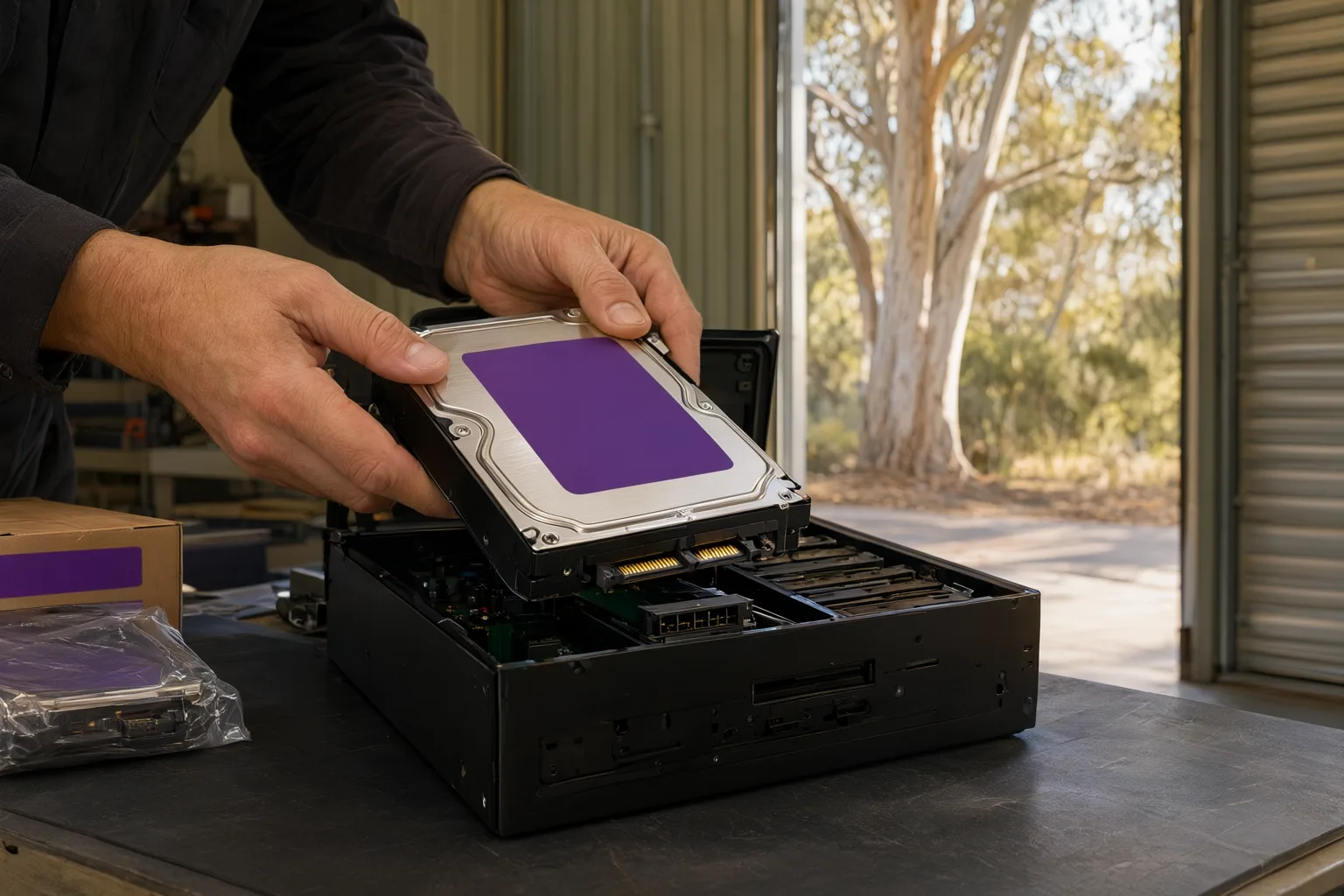
Not all hard drives are built for [[price-per-camera-explained-what-australian-homeowners-should-expect-to-pay|security]] duty. Surveillance models such as Western Digital's WD Purple line and Seagate's SkyHawk line are engineered specifically for the relentless write cycles of a security recorder, rated for 24/7 operation and capable of handling dozens of simultaneous camera streams.
Pricing in the Australian market moves with exchange rates and global supply chains, but current typical retail figures range from about $90 for a 1TB unit up to $620 for a 12TB drive. Installed pricing — where the drive is supplied, configured and tested as part of a professional system handover — sits slightly higher but removes any guesswork. All prices include GST.
- WD Purple and Seagate SkyHawk remain the benchmark surveillance drives in Australia.
- Expect three-year manufacturer warranties on surveillance drives versus one to two years for desktop equivalents.
- Larger NVRs accept two to four drives, leaving room to expand capacity down the track.
- Professional installs bundle configuration, health monitoring setup and testing into the system price.
Can a Desktop Hard Drive Survive 24/7 CCTV Recording?
It is tempting to slot a bargain-bin desktop drive into your recorder and pocket the $50 saved. Resist it. Desktop drives are designed for roughly eight hours of intermittent use per day — browsing, documents, the odd game. An NVR writes video data continuously, twenty-four hours a day, every day of the year, frequently from several cameras simultaneously. Desktop mechanisms simply are not rated for that workload and fail early.
Purpose-built surveillance drives bring firmware tuned for sustained video streaming, vibration tolerance for multi-bay enclosures, and annual workload ratings of 180TB or more. That engineering headroom matters even more in Australian conditions, where an NVR tucked into a roof cavity or garage can face ambient temperatures well above 40 degrees during summer. A dead drive means zero footage, and it always seems to fail right before you need it.
Quality installers fit genuine surveillance-grade drives as standard and enable the recorder's SMART health monitoring, so you receive an alert the moment the drive shows early warning signs rather than after it has failed completely.
Which Techniques Stretch CCTV Storage Without Bigger Drives?
If your goal is longer retention without paying for extra capacity, several techniques make a real difference. The single biggest win is choosing cameras and a recorder that support H.265 or H.265+ compression — standard across Hikvision, Dahua and Uniview equipment — which effectively halves storage consumption against older H.264 hardware at equivalent quality.
Smart motion detection is the next major lever. Rather than recording an empty driveway at 3am, AcuSense-style cameras capture footage only when a person or vehicle enters the frame. In quiet locations this trims consumption by 70% or more. Dropping the frame rate on lower-priority cameras helps too — 12 frames per second remains perfectly watchable for most static scenes while saving meaningful space.
Finally, adopt a hybrid backup strategy: keep your rolling 30-day archive on the local drive, then export critical clips to cloud storage or a network drive. That way, even if a burglar takes the recorder or fire destroys the premises, your most important evidence survives off-site.
- Enable H.265+ compression to halve storage demand instantly.
- Use person-and-vehicle smart detection so irrelevant footage never hits the drive.
- Cap frame rates at 12–15fps on low-priority camera zones.
- Export key clips off-site to guard against theft, damage or overwriting.
Why Does Correct Storage Sizing Matter for Your Property?
There is no universal answer to CCTV storage — the right size depends on your camera count, resolutions, recording habits and how far back you need to search. A licensed installer calculates these figures precisely during the design phase, so you neither pay for unused terabytes nor discover too late that your look-back window falls short of your insurer's requirements.
At Aussie CCTV Cams, every quotation includes a tailored storage calculation based on your proposed camera layout and retention goals. We supply and install professional Hikvision, Dahua, Uniview and Axis systems fitted with genuine surveillance-grade drives, fully configured and tested before handout — backed by lifetime support if you ever need to expand capacity later.
Reach out today for a free, no-obligation quote and get an exact answer on what your property needs.
CCTV hard drive options and typical installed costs in Australia (AUD)
| Drive Option | Best For | Typical Installed Cost |
|---|---|---|
| 2TB WD Purple / SkyHawk | Homes with 4 cameras, motion recording | $240 – $390 |
| 4TB WD Purple / SkyHawk | Homes with 6 cameras or 30-day retention | $300 – $470 |
| 6TB SkyHawk | Small businesses, 8 cameras at 4K | $400 – $570 |
| 8TB SkyHawk AI | Retail, warehouses, multi-site commercial | $450 – $650 |