
Key Takeaways
- NSW Workplace Surveillance Act requires written notice at least 14 days before staff camera monitoring begins.
- A typical small retail POS camera integration setup costs $2,500–$5,000 installed in Australia.
- Sweethearting includes scan avoidance, fake discounts and bagging two items while scanning one.
- Refund fraud converts stolen stock to cash via fictitious refunds or accomplice returns at the register.
- Retain POS-integrated footage for 30–90 days so stocktake discrepancies can still be investigated.
- Square, Lightspeed and Vend platforms can integrate with NVRs natively or via a text data feed.
What Is Point-of-Sale Camera Integration for Australian Retailers?
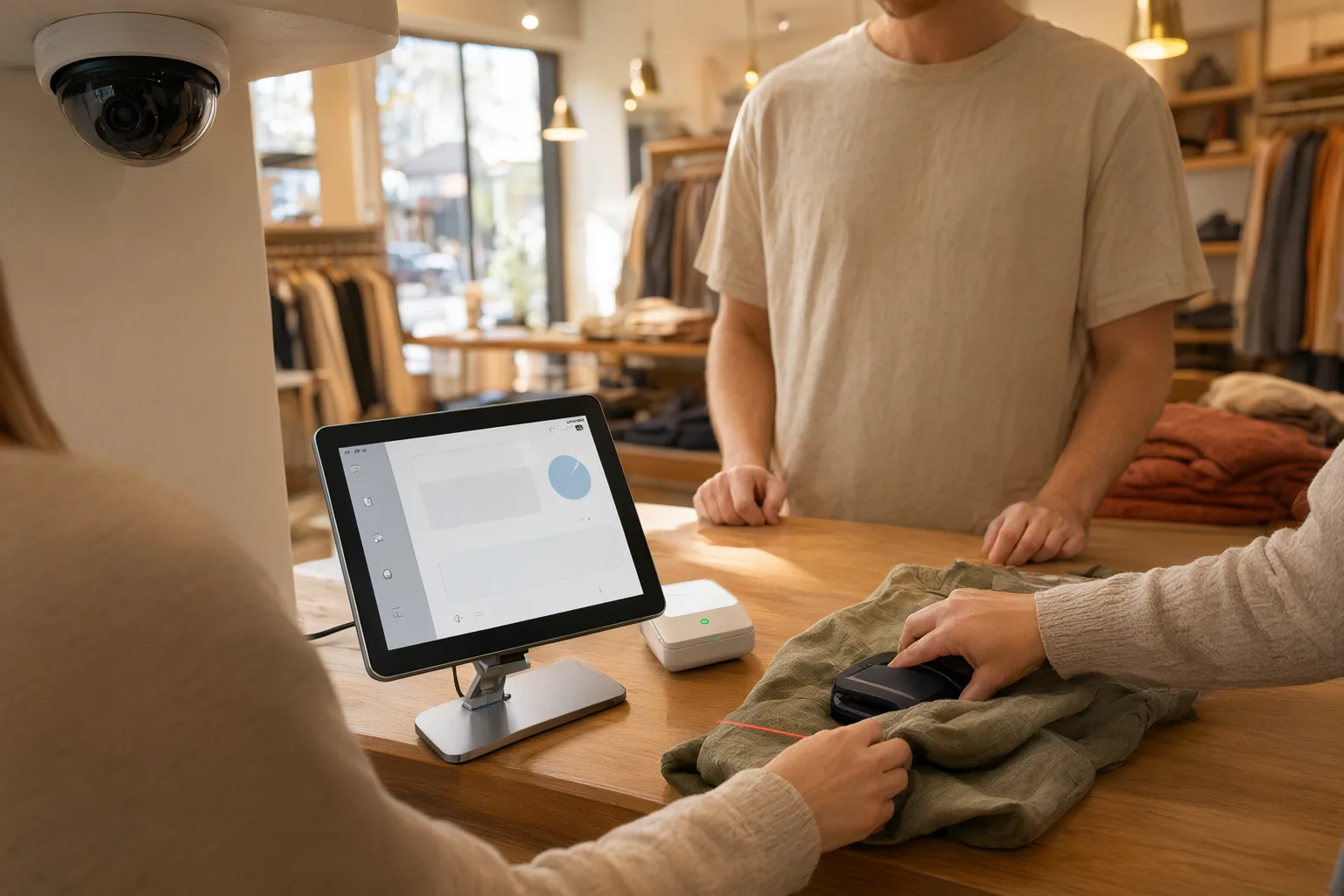
Point-of-sale (POS) camera integration connects your cash register directly to your CCTV system so every transaction is paired with synchronised video evidence. When a sale, refund, void, discount or no-sale drawer opening occurs, the system bookmarks the exact moment on video and overlays receipt data onto the footage — making sweethearting and refund fraud almost impossible to hide.
For Australian shop owners, café operators and franchisees, this solves the single biggest weakness of standalone CCTV: nobody has time to watch hours of video hoping to spot theft. With integration, you search by transaction type, dollar amount, staff member or time of day, and the relevant clip appears instantly. If a refund was processed without a customer present, or two items left the counter but only one was scanned, the mismatch between the receipt and the video is immediately obvious.
This guide explains how POS integration detects sweethearting and refund fraud, which features matter most, what the technology costs in Australia, and the privacy and surveillance laws you must follow when monitoring your own staff.
Why Does Sweethearting Thrive at the Register?
Sweethearting is when an employee gives unauthorised benefits to friends, family members or accomplices at the point of sale. Common forms include scanning one item while bagging two, applying fake discounts or loyalty points, pretending an item's barcode won't scan and entering a cheaper product manually, or simply waving items through without scanning them at all.
The reason sweethearting flourishes is that it looks completely ordinary in a transaction log. A receipt showing one bottle of spirits sold at full price tells you nothing about the second bottle that walked out the door. Industry bodies have long estimated that employee theft accounts for a substantial share of retail [[retail-loss-prevention-how-cctv-cuts-shrinkage-for-australian-stores|shrinkage]] — figures as high as 40% are commonly cited by the Australian Retailers Association — and sweethearting is consistently ranked among the most frequent methods because it is so hard to catch without visual evidence.
Because the 'customer' in a sweethearting scenario is often a genuine friend of the staff member, both parties are motivated to keep the exchange looking natural. Only video linked to the transaction reveals the truth: hands passing goods around the scanner, discounts applied without manager approval, or items bagged that never appear on the receipt.
How Do Refund Fraud and Void Scams Work?
Refund fraud takes two main forms. In the first, a staff member processes a fictitious refund and pockets the cash — there is no customer and no returned goods. In the second, the employee colludes with an accomplice who returns stolen merchandise for a cash refund, effectively converting stolen stock into clean money.
Void fraud follows a similar pattern. A legitimate sale is rung up and the customer pays and leaves with their goods; moments later, the staff member voids the transaction and keeps the cash. Because the till balances against the adjusted records, nothing appears wrong until a stocktake reveals missing inventory months down the track.
Other schemes include price switching, where expensive items are scanned as cheaper look-alike products, and cash skimming, where money changes hands without any transaction being recorded at all. Each of these leaves a different fingerprint — some appear in transaction logs, some don't appear anywhere — but all of them are visible on video once that video is tied to the register. Australia's extreme UV, coastal salt air, and summer heat demand weatherproof housings — IP66-rated [[body-worn-cameras-vs-fixed-cctv-for-retail-security-teams|cameras]] handle Newcastle's humidity and Adelaide's 40°C+ days.
Can POS Camera Integration Catch Fraud in Real Time?
When your POS terminal is integrated with your CCTV recorder, every transaction event triggers an automatic bookmark in the footage. Transaction text — item descriptions, amounts, staff ID, payment type and timestamp — is overlaid directly onto the video frame, so reviewing an incident means watching a single synchronised clip rather than cross-referencing paperwork.
Modern systems go further with real-time exception reporting. You can configure alerts for the scenarios that matter to your business: any refund over $100, more than three voids by one employee in a shift, transactions processed outside trading hours, repeated no-sale drawer openings, or manual price entries above a threshold. When a trigger fires, the manager receives an instant notification on their phone or desktop and can pull up the matching video immediately.
This transforms investigations. Instead of scrubbing through days of footage after a monthly stocktake reveals shrinkage, you search 'all refunds processed by this staff member last week' and review only those clips. What used to take hours of manual review now takes minutes, and the resulting evidence — receipt data burned into clear video — is strong enough for disciplinary action or a police report.
- Automatic video bookmarks created for every sale, refund, void, discount and no-sale event
- Transaction data overlaid on footage so receipts and video can never be separated
- Real-time alerts for refunds over set amounts, excessive voids and out-of-hours transactions
- Searchable database filtered by staff member, amount, transaction type or time period
- Remote access via smartphone app or web browser for multi-site owners
Which Features Matter Most in a POS-Integrated CCTV System?
Compatibility comes first. Confirm the system supports your POS platform — whether that's Square, Lightspeed, Vend or an industry-specific solution — through native integration or a text-based data feed from the terminal. A reputable installer will verify this during the consultation rather than discovering incompatibility after installation.
Camera quality determines whether your evidence is usable. You need resolution sharp enough to identify faces, read denominations of cash and see exactly which products passed over the scanner. Technologies such as Hikvision ColorVu deliver full-colour images in very low light, while AcuSense-style analytics help filter genuine events from irrelevant motion. Position cameras to cover the register screen, the scanning area, the bagging bench and the customer's side of the counter with no blind spots.
Storage and retention are practical necessities. Australian businesses should plan to retain footage for at least 30–90 days so discrepancies discovered at stocktake can still be investigated. Size the NVR's hard drives accordingly, and consider cloud backup for critical incidents. Finally, insist on accurate time synchronisation between the POS and the recorder — even small drift undermines the evidentiary value of the pairing.
Is Monitoring Staff With Cameras Legal in Australia?
Monitoring employees with CCTV is lawful in Australia, but it is regulated. In New South Wales, the Workplace Surveillance Act requires employers to give staff written notice at least 14 days before camera surveillance begins (or, for new employees, before they start work). Similar notification and signage requirements exist under comparable legislation in other states and territories, so check the rules that apply to your location.
Clear signage is essential wherever cameras operate, including near registers. Beyond satisfying legal requirements, visible notices act as a powerful deterrent: staff who know every transaction is recorded and reviewed are far less likely to attempt sweethearting or refund fraud in the first place.
Use footage only for legitimate purposes such as loss [[the-true-cost-of-shoplifting-in-australia-and-how-cameras-fight-back|prevention]], security and safety. Restrict access to authorised managers, store recordings securely, and never use POS-integrated video for unrelated personal monitoring. If you uncover theft, preserve the original footage, seek legal advice before taking disciplinary action, and provide copies to police where appropriate so the evidence remains admissible.
How Should Installation and Setup Be Planned?
A professional installation typically begins with a consultation covering your premises layout, your POS software, your specific loss-prevention concerns and your budget. The installer maps camera positions that capture every critical angle at the register while avoiding private areas such as change rooms, bathrooms and staff amenities, where surveillance is prohibited or heavily restricted.
During design, equipment is specified: camera resolution and low-light performance suited to your lighting conditions, an NVR with sufficient channels and storage for your retention window, and confirmation that your POS system can output transaction data for integration. You should receive a detailed written quote with transparent pricing before any work begins.
Installation day involves mounting cameras, running cabling, configuring the network and connecting the POS data feed. Every transaction type — sales, refunds, voids, discounts and no-sales — should be tested end-to-end to confirm bookmarks and overlays fire correctly. The process finishes with training for managers on searching footage, setting alert thresholds and exporting evidence, plus ongoing support for troubleshooting and system expansion.
What Does POS Camera Integration Cost in Australia?
Pricing depends on the number of cameras, the complexity of your POS integration, storage requirements and whether existing equipment can be reused. As a general guide, a typical small retail setup starts from approximately $2,500–$5,000 installed, covering a handful of quality cameras, an NVR with adequate retention capacity and the POS data connection.
Larger stores, multi-lane supermarkets and venues needing advanced analytics will sit higher in the range. Factor in ongoing costs too: cloud backup subscriptions, extended warranties and occasional maintenance. Most reputable installers offer free on-site quotes, so obtain two or three itemised proposals and compare camera models, storage sizing and support terms rather than just headline prices.
Weigh the cost against potential losses. A single staff member processing a few fraudulent refunds per week can siphon off thousands of dollars annually, and sweethearting across a team compounds quickly. For most retailers, the system pays for itself the first time it identifies an active scheme.
Do You Need Process Changes to Get the Most Value?
Technology alone doesn't stop fraud — process does. Review exception reports weekly rather than waiting for stocktake surprises, rotate which transactions get audited, and act visibly when issues are found so staff understand monitoring is active. Pair the system with tight controls: manager approval for refunds above a set amount, mandatory receipt checks at the door, and regular reconciliation of cash drawers against sales records.
Communicate openly with your team about why the system exists. Framed correctly — protecting honest staff, keeping prices competitive and ensuring the business stays viable — transaction-linked CCTV is accepted as standard practice in modern Australian retail. Combined with consistent reviews and fair enforcement, it removes both the opportunity and the temptation that drive register-based theft.
Common POS Fraud Types and How Integration Detects Them
| Fraud Type | How It Works | Detection Method | Prevention Strategy |
|---|---|---|---|
| Sweethearting | Staff give unauthorised discounts or free items to friends or accomplices | Video shows items bagged but not scanned, or discounts applied without approval | Real-time alerts on discount patterns; regular review of discount reports with matching video |
| Refund Fraud | Fake refunds processed and cash pocketed, sometimes with a returning accomplice | Video shows no customer present or no goods actually returned | Manager approval required for refunds over a set amount; audit all refunds against video |
| Void Fraud | Completed sales voided after the customer leaves with the goods | Video shows the sale completed and customer departing before the void | Alert on excessive voids; investigate patterns by individual staff member |
| Price Switching | Expensive items scanned as cheaper products | Video shows the physical product doesn't match the scanned description | Random audits of high-value transactions; compare video against receipts |
| Cash Skimming | Cash taken without any transaction being recorded | No transaction exists, but video captures the cash exchange | Monitor no-sale drawer openings; reconcile cash drawers against sales records |