
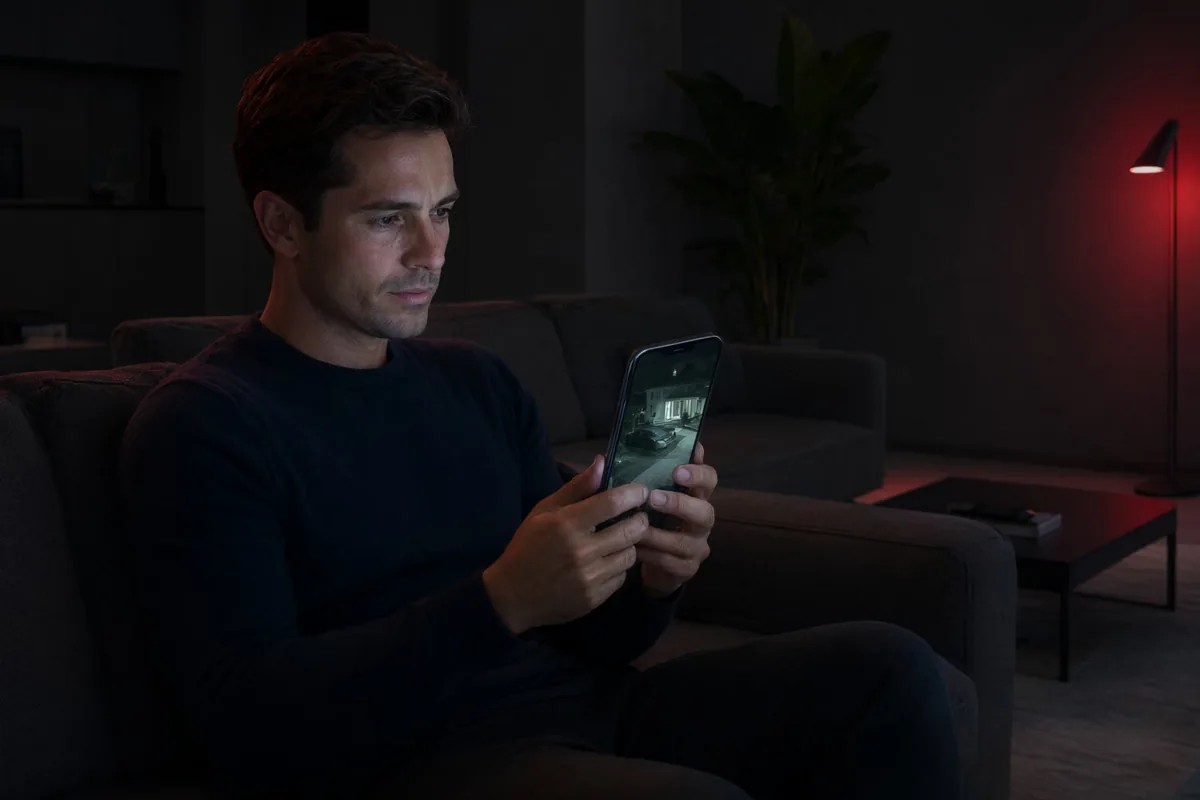
There's little point recording great CCTV footage if you can't see it when it matters. Remote viewing turns your security system into something you actually use every day — a quick glance at your phone tells you the kids are home, the delivery arrived, or that the back gate is closed. At Aussie CCTV Cams, we set up remote access properly the first time, so it just works.
Our fully licensed and insured NSW technicians handle everything from network configuration to app logins on every device in your household or business. We work across Newcastle, Maitland, Lake Macquarie and the wider Hunter Region, and we also service Sydney, Melbourne, Perth and Adelaide. Whether your system is brand new or years old, we can usually get it connected and streaming to your devices.
What Remote Viewing & CCTV App Setup Involves
Remote viewing connects your CCTV recorder (NVR or DVR) to the internet so you can stream live video and replay recordings from anywhere with a connection. Setup typically involves configuring your recorder's network settings, enabling secure remote access, installing the manufacturer's app on your devices, and linking everything together with the right permissions and notifications.
It sounds simple, but the details matter. Poorly configured remote access can mean laggy streams, dropped connections, or worse — an unsecured system that's visible to strangers online. Our technicians configure encryption, strong passwords and secure peer-to-peer or DDNS connections so your footage stays private and your streams stay stable.
- Live video streaming to phones, tablets and laptops
- Playback of recorded footage from anywhere
- Secure encrypted connections, never open ports left exposed
- Push notifications for motion or alarm events
- Multiple users with individual logins and access levels
How We Deliver Remote Access Setup
We start with your existing equipment and internet connection. If we're installing a new system, remote viewing is built into the job from day one. If you already have cameras, we assess your recorder model, firmware and network to determine the best connection method — most modern recorders support simple app-based pairing, while older units may need port configuration or a firmware update.
Once connected, we test streaming on your home Wi-Fi and on mobile data, because a setup that only works on the couch isn't much use. For businesses across Newcastle, Maitland and Lake Macquarie, we can also configure viewing stations, shared logins for managers, and integration with your NVR & DVR setup so recording and remote access work hand in hand.
- Assessment of your recorder, router and internet speed
- Secure app pairing or DDNS configuration as required
- Firmware updates to keep your system stable and protected
- Testing on Wi-Fi and 4G/5G before we leave
- Handover walkthrough so every user knows the app
What's Included in Our Remote Viewing Setup Service
Our remote viewing and app setup service is a complete, done-for-you package. You don't need to understand networking, port forwarding or IP addresses — we handle the technical side and leave you with an app that opens, loads fast and shows your cameras every time. Everything below is included as standard.
- Recorder network and remote access configuration
- App installation and login on your phones, tablets or computers
- Motion detection and push notification setup
- User account creation with appropriate permission levels
- Password and security hardening of the recorder
- Playback training — how to find, save and share footage
- A free on-site assessment and obligation-free quote before any work
Benefits of Viewing Your Cameras from Anywhere
The biggest benefit is peace of mind. Instead of wondering what's happening at home or at the shop, you can look. Motion alerts tell you the moment something moves, and a ten-second check on your phone replaces the drive home to make sure you locked up. For many customers, remote viewing is the feature that makes their CCTV feel genuinely worthwhile.
There are practical advantages too. Recorded clips can be saved and shared with police or insurers straight from the app, business owners can keep an eye on multiple sites from one screen, and families can check on pets, deliveries or elderly relatives. Combined with our security system monitoring options, remote access gives you layered protection that works around the clock.
- Instant visual verification of alerts and alarms
- Check in on family, pets, staff or deliveries anytime
- Save and share evidence clips directly from your phone
- Monitor multiple properties from a single app
- Deter crime — visible cameras plus active oversight
Who Remote Viewing Suits — Common Scenarios
Almost every CCTV owner benefits from remote access, but it's especially valuable for people who spend time away from their property. We regularly set up remote viewing for Newcastle homeowners who travel for work, Hunter Region families with holiday homes, and business owners managing sites across Sydney, Melbourne, Perth and Adelaide from a single office.
Common scenarios include parents checking that kids arrived home safely, tradies keeping an eye on ute and tool storage, retailers reviewing till-area footage after hours, warehouse managers verifying after-hours deliveries, and farmers checking gates, sheds and water points without the long drive. If you have cameras — or you're planning them — remote viewing should be part of the conversation.
- Homeowners who travel or work long hours
- Families wanting to check on kids, pets or elderly relatives
- Retail and hospitality owners reviewing footage after hours
- Multi-site businesses needing centralised oversight
- Rural properties where a physical check takes real time
Remote Viewing Setup Costs & Pricing Factors
If remote viewing is configured as part of a new CCTV installation with us, the setup is typically built into your overall package price. For existing systems, pricing depends mainly on your recorder's age and capabilities — newer units often take under an hour to connect, while older DVRs may need firmware updates, network changes or, in some cases, a recorder upgrade to support modern apps.
Other factors include the number of devices you want connected, the number of user accounts, and whether your internet router needs configuration or a site has poor connectivity requiring a 4G solution. The good news: remote viewing itself has no ongoing subscription for most systems — you just need a reasonable internet connection. For a straight answer on what your setup will cost, call Aussie CCTV Cams on 02 40 033 972 for a free, obligation-free quote.
- Often included free with a new CCTV installation
- Recorder age and app compatibility affect labour time
- Number of devices and user accounts required
- Router or network upgrades if needed
- No monthly subscription fees for most systems
- Free on-site assessment and fixed quote before we start